One stream, several connections, one feed at the far end.
Bonding splits your stream across every connection you have and puts it back together at the destination. With Lumbus the connections are your phone and the phones around you, and the far end is Lumbus, which rejoins the stream before it reaches your studio and your platforms.
Try it: cut a connection.
Your stream goes out over several connections at once. If one drops, it keeps going on the others.
Tap a connection to drop it, and watch the stream carry on.
What SRT adds.
SRT recovers lost packets without letting delay build up, which is why it survives a bad connection where RTMP stalls. Bonding is the other half: with several connections carrying the same stream, a lost packet on one is sent again on another.
Your phone sends SRT through Bond. A laptop or a camera can send SRT, bonded SRTLA or RTMP. Your studio takes all three in.
What bonding uses.
At 8 Mbps, the usual 1080p60 target. Two connections or five carry the same total between them.
| Conditions | An hour | 100 GB lasts |
|---|---|---|
| Video only, no bonding | 3.6 GB | 28 h |
| Clean bonded connection | 3.8 GB | 26 h |
| Lumbus planning assumption | 4.3 GB | 23 h |
| Poor network | 4.7 GB | 21 h |
Adding more phones does not add to the total: the same stream is divided between them. A weak network raises it, because more has to be sent again.
One word tells you where you stand.
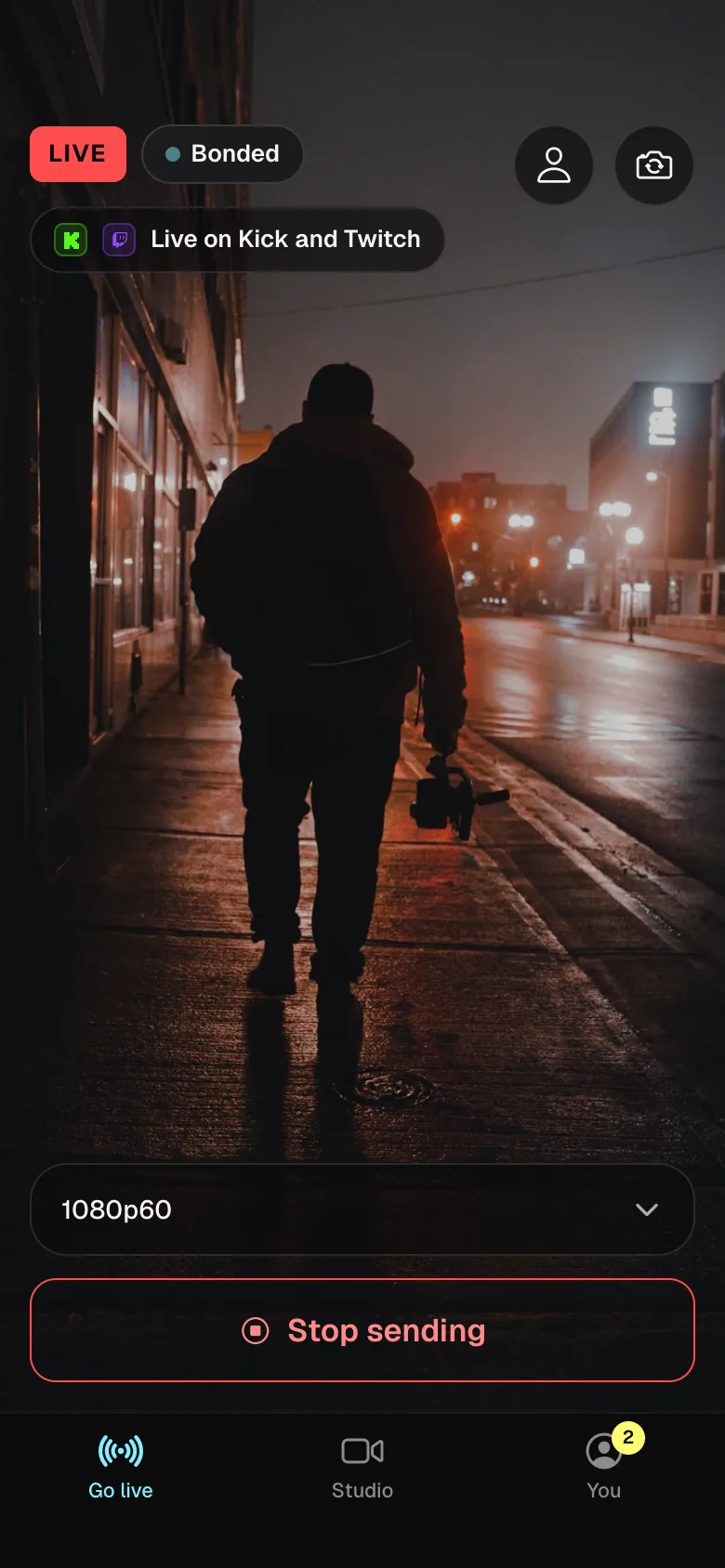
The same four words on your phone, in your studio and in the app, and never a fifth.
- 1Bonded: Two or more connections on different networks are carrying you.
- 2Single: One connection, or several on the same network. Add a phone on another network.
- 3Weak: Your connections together carry less than your stream needs. Quality drops; the stream stays up.
- 4Lost: Nothing is carrying your stream. Studio shows viewers Be right back until a connection returns.
Technical detailsHow Bond works in full, and the overhead range
- How Bond works
- Each phone you add scans a code from your screen, keeps the Lumbus Live app open and lends its connection. Your stream is split across every connection and put back together by Lumbus in your studio, so one weak network never ends the stream. One word tells you where you stand: Bonded (two or more connections on different networks), Single, Weak or Lost. Bond is part of every plan, Free included: one phone beside you on Free, up to 14 on Studio Max.
- The overhead range
- Plan on × 1.2. A clean bonded connection sits nearer × 1.0625; a poor network or heavy redundancy settings push it towards × 1.3125 and beyond. The number of connections by itself changes nothing.
Questions
Something else? Write to live@getlumbus.com.
How does Bond work?
Each phone you add runs the Lumbus Live app and lends its connection. Your stream is split across all of them and put back together by Lumbus in your studio, before it goes out.
The full answerHide the full answer
Each phone you add scans a code from your screen, keeps the Lumbus Live app open and lends its connection. Your stream is split across every connection and put back together by Lumbus in your studio, so one weak network never ends the stream. One word tells you where you stand: Bonded (two or more connections on different networks), Single, Weak or Lost. Bond is part of every plan, Free included: one phone beside you on Free, up to 14 on Studio Max.
Do the phones around me need a plan?
They use their own data plans, shared between them, so each one carries only a part of your stream. How much depends on your picture quality; the next answer gives a figure.
How much data does a stream use?
It depends on the picture quality you stream at. As a guide, plan on about 4.3 GB an hour for high-quality HD, shared across the connections you add.
The full answerHide the full answer
Plan on your video bitrate plus about 20% for Bond’s own overhead: that is what your connections carry between them. At 8 Mbps that is about 4.3 GB an hour, so 100 GB lasts around 23 hours; a poor network pushes it towards 5 GB an hour. Adding more phones does not add to the total: the same stream is divided between them.
Can I stream from a camera or a laptop?
Yes. Anything that sends SRT, SRTLA or RTMP points at your Lumbus address. The details live in the dashboard and the guides, not on this page.
The full answerHide the full answer
Yes. Lumbus gives every source its own SRT, SRTLA and RTMP address from day one. Point a laptop running your streaming software, or a camera that streams by itself, at them and the picture arrives in your studio like any other; on Studio Pro and Studio Max a second source can stand by as a backup and take over by itself, or go on screen beside the first as a second camera.
Keep reading
- What is cellular bonding, and do you need it?Bonding sends one stream over several connections at once, so one weak network cannot take you off air. How it works, what it uses, and when to skip it.
- SRT vs RTMP: which should you stream with?Platforms take RTMP, but SRT holds up far better on a bad connection. Which to use for each leg of your stream, and the one setting that matters.
- Multi-network streamingStream on several mobile networks at once, so one crowded mast can’t take you off air: the phones around you through Bond.
- IRL streaming backpackAn IRL backpack is an encoder box, modems, a battery and a bag. With Lumbus your phone is the encoder and the phones around you are the connection.
- Cloud OBSOBS in the cloud: a production studio online. Scenes, overlays, chat, guests and every platform at once, from a browser or your phone. From $49 a month.
Pick a plan and go live.
Buy by the month, or by the year to save 12%. Want to try it first? Studio Pro is free for three days, with eight hours on air and no card. Or start for free: two hours live a month, for as long as you like.
Go live from your phone with the Lumbus Live app.


Where next