For events
When the venue Wi-Fi gives out, the phones in the room carry the stream.
Run each stage from a browser: two cameras or a backup source on Studio Pro, remote speakers from a link, every platform at once. Bond adds the phones around you as extra connections.
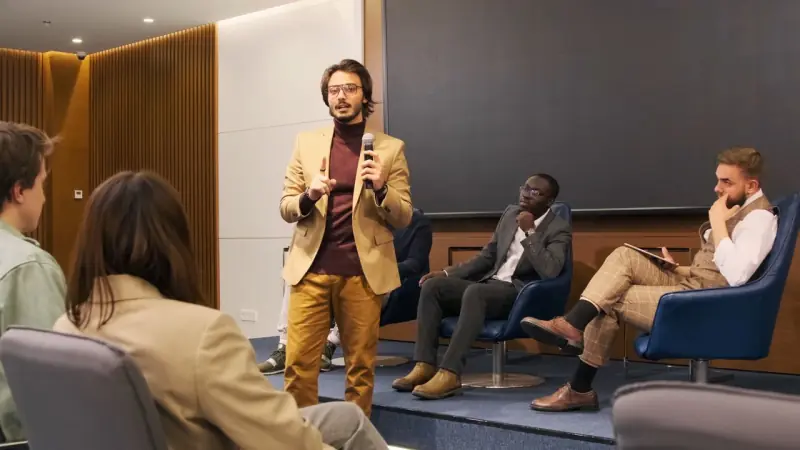
A conference day
Doors open
Starting soon everywhere
Your Starting soon scene on every platform while the room fills.
Keynote
Two cameras, remote speakers
Camera 2 side by side or picture in picture; a remote speaker joins from a link and waits off screen.
The Wi-Fi drops
Phones carry it
Each phone you add lends its mobile connection. One word tells you where you stand: Bonded, Single, Weak or Lost.
After
Record every session
A recording per session, and clips cut landscape and vertical for the event’s channels.
What a stage leans on
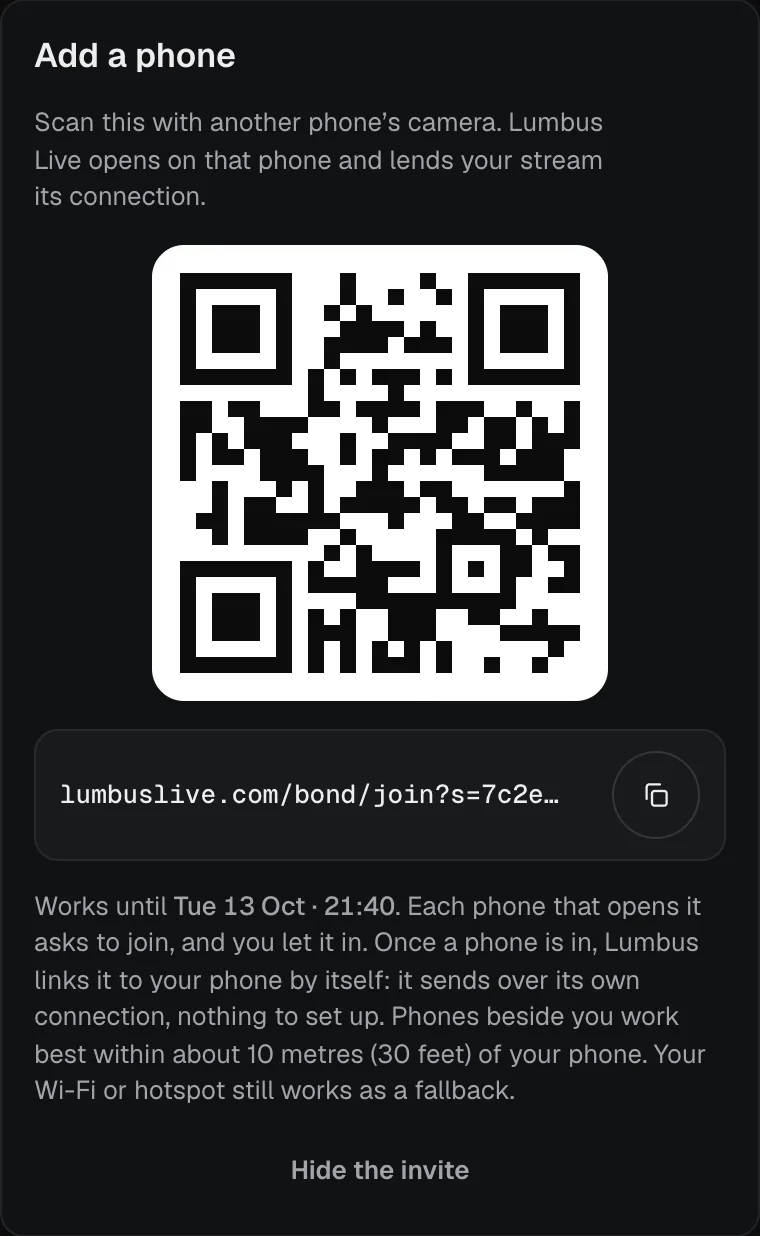
Bond
Phones in the room scan a code and lend their connections: eight on Studio Pro, 14 on Studio Max.
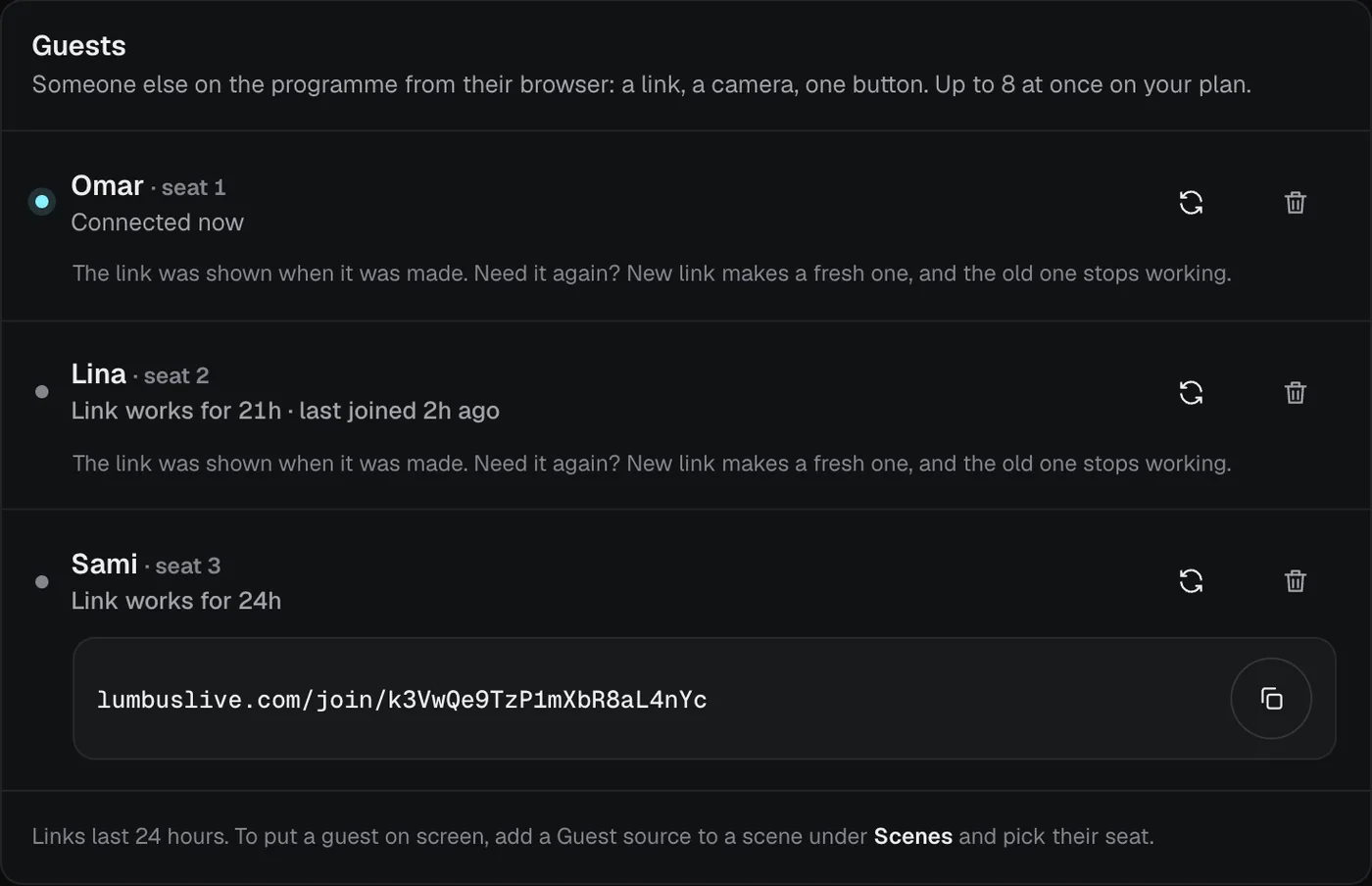
Remote speakers
A link, a camera, one button. They wait off screen until you bring them on.
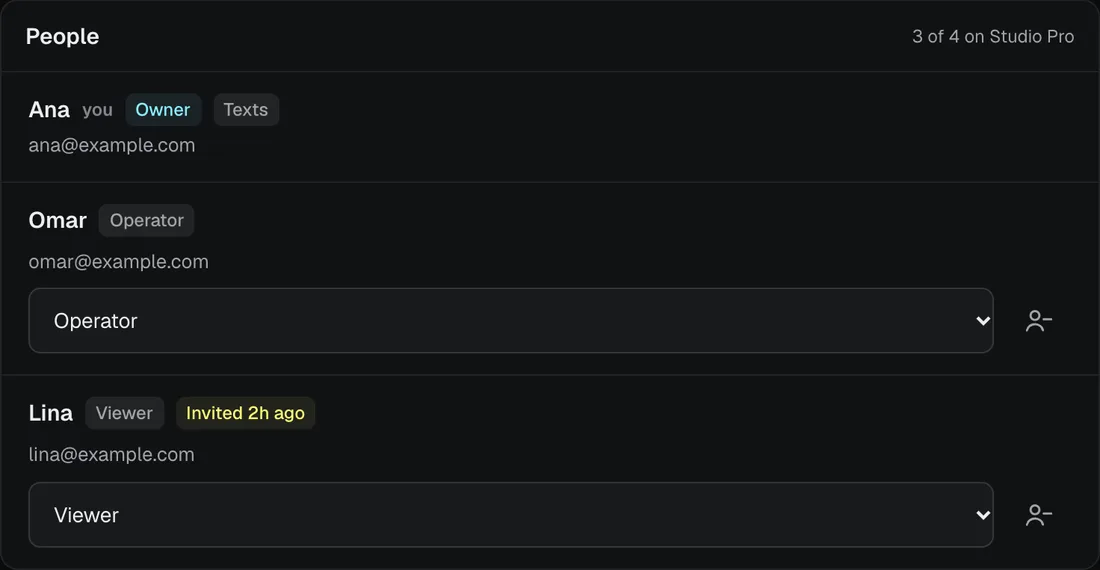
A crew on one studio
Seats for the crew: four on Studio Pro, twelve with roles on Studio Max.
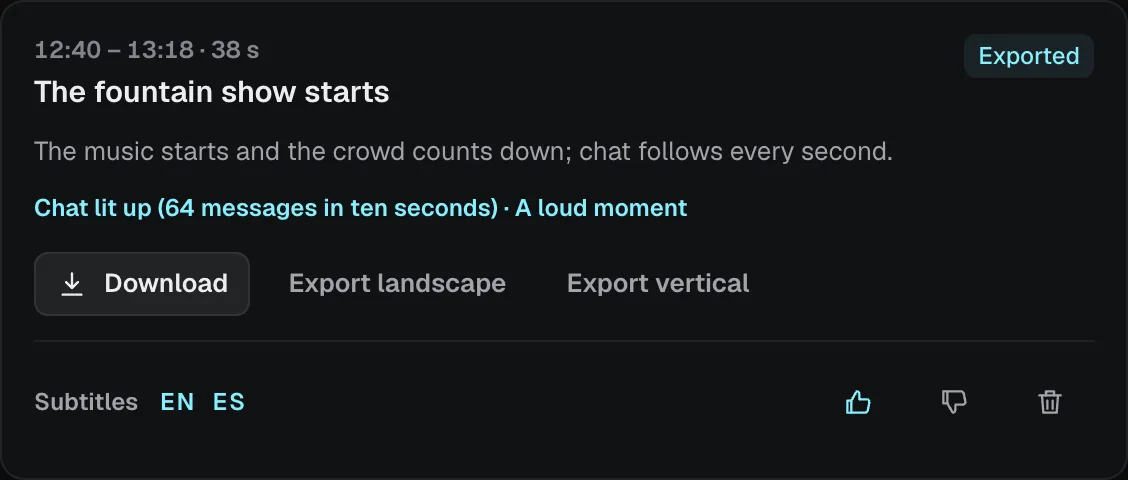
Clips for the channels
Clips found after each session, cut landscape or vertical.
The plans that fit
Studio Pro
$149a month
One stage: two cameras or a backup source, eight speakers on screen, stream-health alerts with thresholds you set.
Studio Max
$199a month
Two stages: two studios live at once, twelve seats with roles and 20 platforms at once.
Questions
Something else? Write to live@getlumbus.com.
Can we run two stages at once?
Yes, on Studio Max: two studios live at the same time. More stages are a Custom plan agreed with us.
What if the venue Wi-Fi fails?
Bond adds the phones around you as extra connections. Each one keeps the Lumbus Live app open and lends its own mobile connection; your stream is split across all of them and put back together by Lumbus, so when one network fades the others carry it. Each Studio plan carries a number of them: 2 on Studio, 4 on Studio Plus, 8 on Studio Pro and 14 on Studio Max.
Can a remote speaker join?
Yes. A guest opens a link in a browser on a computer or a phone, picks a camera and a microphone, shares a screen if you want it, and waits off screen until you put them on. No app and no account; a link works for 24 hours. Studio takes four guests on screen, Studio Plus six, Studio Pro and Studio Max eight.
Guides and how-tos for events
- How to live stream a football matchStream a full match from a phone: where to put the camera, how to stay live at a ground with weak signal, a scoreboard on screen, and how to handle half time.
- How to live stream a wedding for family far awayStream a wedding to a private page grandparents can open from a link: the camera, the sound, a connection that holds at the venue, and a recording after.
- How to live stream a gig and sell ticketsStream a gig that sounds like the room: a feed from the desk, a phone camera, a connection that survives a full venue, tickets on your own page and clips after.
- LiveU alternatives for IRL streaming, comparedLiveU Solo, BELABOX, Speedify and the phones in your crew, compared from each one’s own pages: what you buy, what you build, and what keeps you on air.
- How to charge people to watch your live streamSell tickets to a class, a gig or a match on a watch page of your own: how pricing, seats, payouts and fees work, and the one rule about free platforms.
- How to live stream a church serviceEvery service on YouTube and Facebook at once, with captions, a recording and a backup when the Wi-Fi drops. The setup, the sound and a Sunday routine.
- SRT vs RTMP: which should you stream with?Platforms take RTMP, but SRT holds up far better on a bad connection. Which to use for each leg of your stream, and the one setting that matters.
- How much data does live streaming use?A 1080p stream at 8 Mbps uses about 4.3 GB an hour once overhead is counted. The sum to work out your own number, and what pushes it up.
- What is cellular bonding, and do you need it?Bonding sends one stream over several connections at once, so one weak network cannot take you off air. How it works, what it uses, and when to skip it.
- Run a scoreboard and predictionsA scoreboard on your stream and your watch page, run from the dashboard or the app, with a clock, a timeline and predictions.
- Charge viewers to watchSell tickets for 1, 3, 7, 10 or 30 streams on your watch page: set up payouts once, set your prices, share, and see who paid.
Also on Lumbus
Pick a plan and go live.
Buy by the month, or by the year to save 12%. Want to try it first? Studio Pro is free for three days, with eight hours on air and no card. Or start for free: two hours live a month, for as long as you like.
Go live from your phone with the Lumbus Live app.