For coaches and educators
Teach live. Your slides, your class, one link.
Upload your slides and turn the pages live, ask a question as a poll, let people register on your own watch page, and record every session.
A session, start to finish
Before
One link for the class
Switch on your watch page with registration: a name and an email once, and you see who came.
Start
Slides on screen
Your PDF becomes the presentation, and the arrow keys turn the page on air.
During
Questions and polls
Run a poll viewers answer on the watch page or in chat, with live captions in eleven languages.
After
The recording
Trim it, download it, and keep it while you subscribe.
What a class leans on
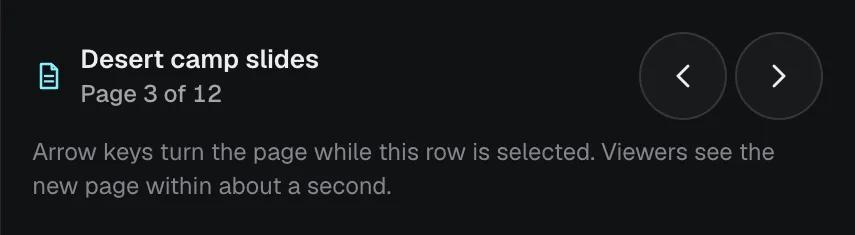
Slides you turn live
Upload a PDF; arrow keys turn the page.
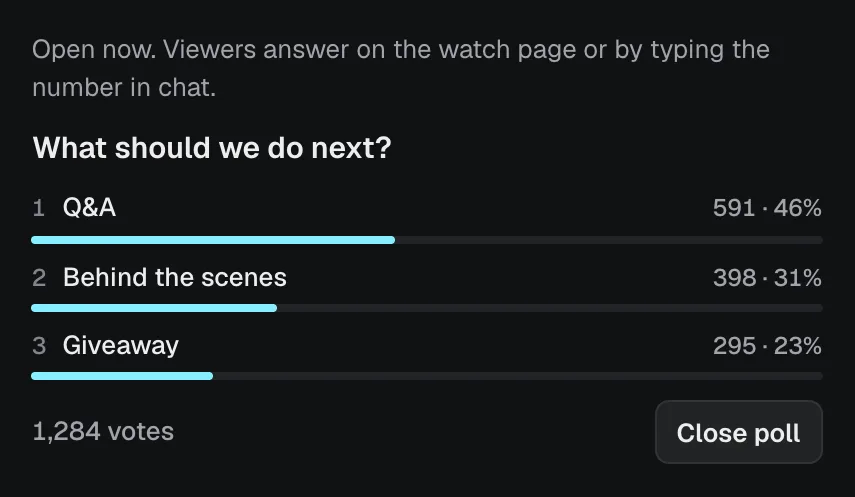
Polls
One question, a few answers, the votes live on screen.
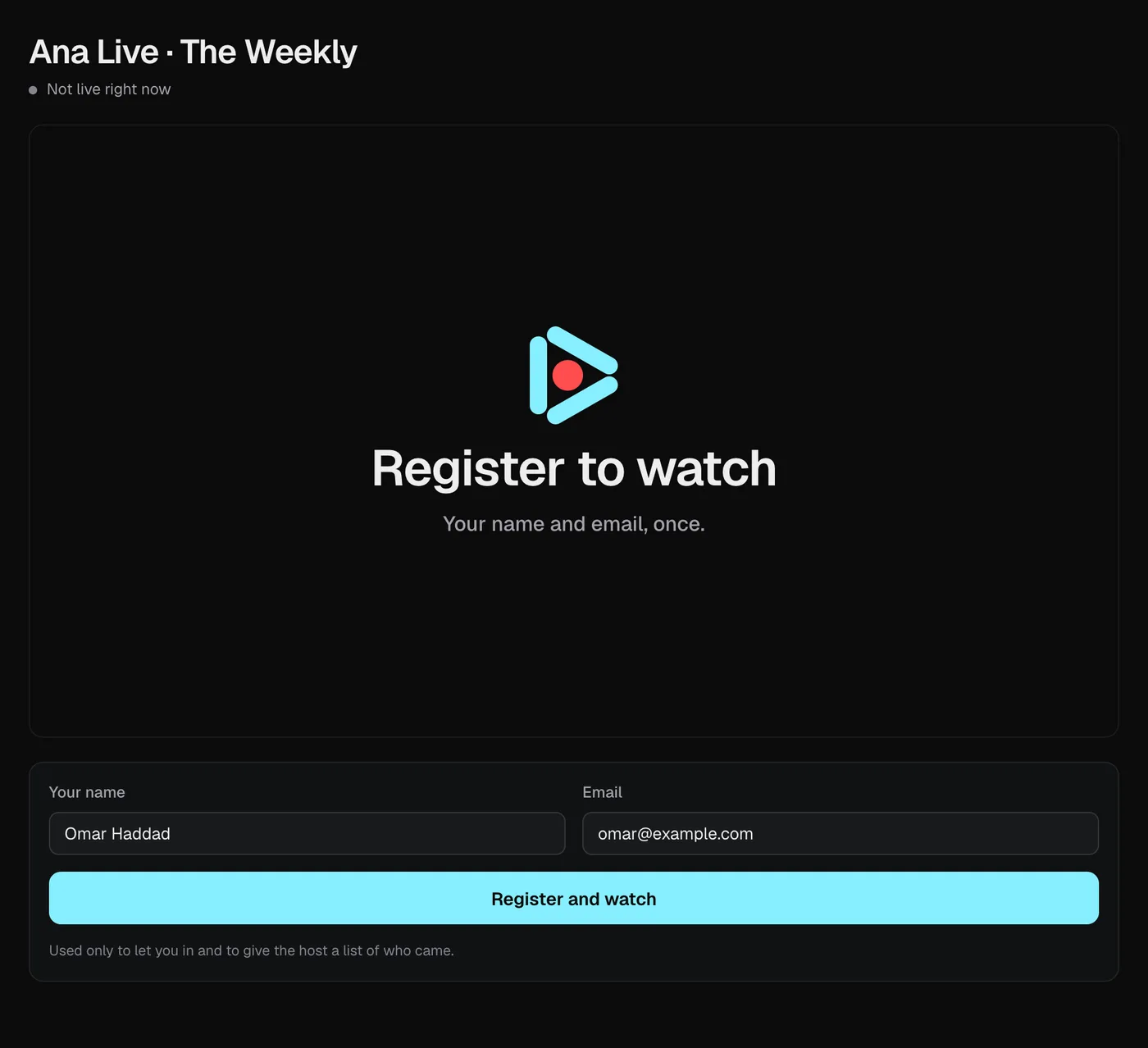
A watch page to register for
Your class’s own link, no account, and the list of who came.
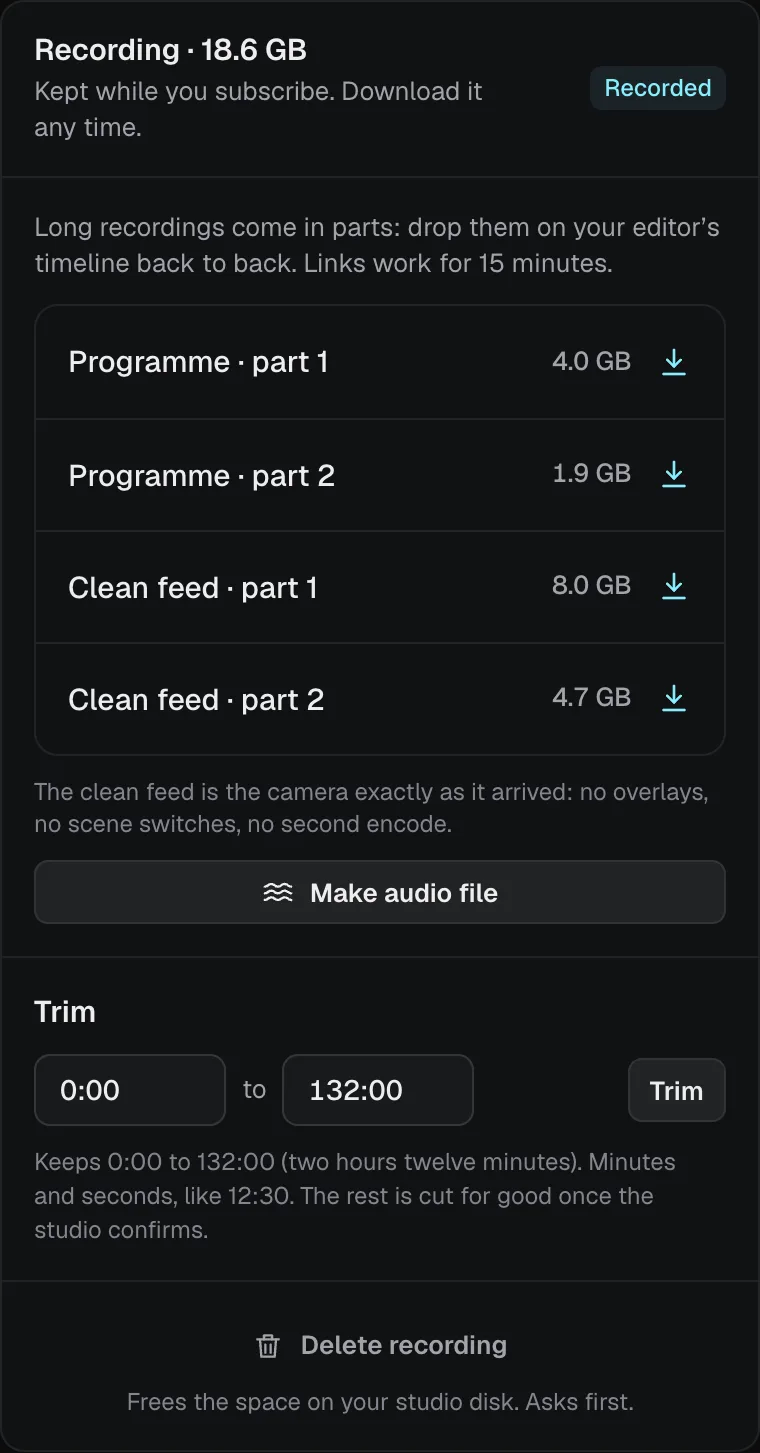
Record the session
Trim, rename and download every session as MP4 files.
The plans that fit
Studio
$49a month
Four guests, five platforms at once, live captions, polls, slides and 50 GB of recordings.
Studio Pro
$149a month
Adds pre-recorded lessons that go live on a schedule, a backup source and a watch page for 500 people at once.
Questions
Something else? Write to live@getlumbus.com.
Can I run a pre-recorded lesson at a set time?
Yes, on Studio Pro and up. Pick an uploaded video, a start time and the platforms: the studio wakes, goes live and ends by itself.
Which languages do the live captions speak?
English, Spanish, French, German, Portuguese, Italian, Dutch, Japanese, Korean, Hindi and Turkish.
Can people watch without an account?
Yes. Your watch page is one link anyone can open, no account and no app. Turn on registration and viewers give a name and an email once before it plays; registration closes at the number you set, and you see who came.
Guides and how-tos for coaches and educators
- How to charge people to watch your live streamSell tickets to a class, a gig or a match on a watch page of your own: how pricing, seats, payouts and fees work, and the one rule about free platforms.
- How to host a live webinar people register forSpeakers from a link, slides on screen, LinkedIn and YouTube at once, and a watch page people register for. How to plan, run and follow up a webinar.
- Teach a class: quizzes, hands up and certificatesQuiz your viewers, invite a raised hand on screen, share resources, take private requests and send certificates of attendance.
- Set up your watch pageA page of your own that anyone can watch: your own address, a passcode when you want one, sign-ups and replays.
Also on Lumbus
Pick a plan and go live.
Buy by the month, or by the year to save 12%. Want to try it first? Studio Pro is free for three days, with eight hours on air and no card. Or start for free: two hours live a month, for as long as you like.
Go live from your phone with the Lumbus Live app.