For news and media
Go live from the scene with the phone in your pocket.
Your phone is the camera and the phones around you become the connection. Bring in an interviewee from a link, put a lower third on screen, and go out to every platform at once.

A report, start to finish
On the way
Open the app
Pick your camera and your platforms; the settings are asked once, before you go live.
On the scene
Phones as the connection
Each phone you add scans a code and lends its connection; one word tells you where you stand.
The interview
A guest from a link
An expert joins from their browser and goes on screen beside you.
For the next bulletin
The clip
Save the last 30 seconds, one minute or two minutes as a file of its own, while you are still live.
What a report leans on
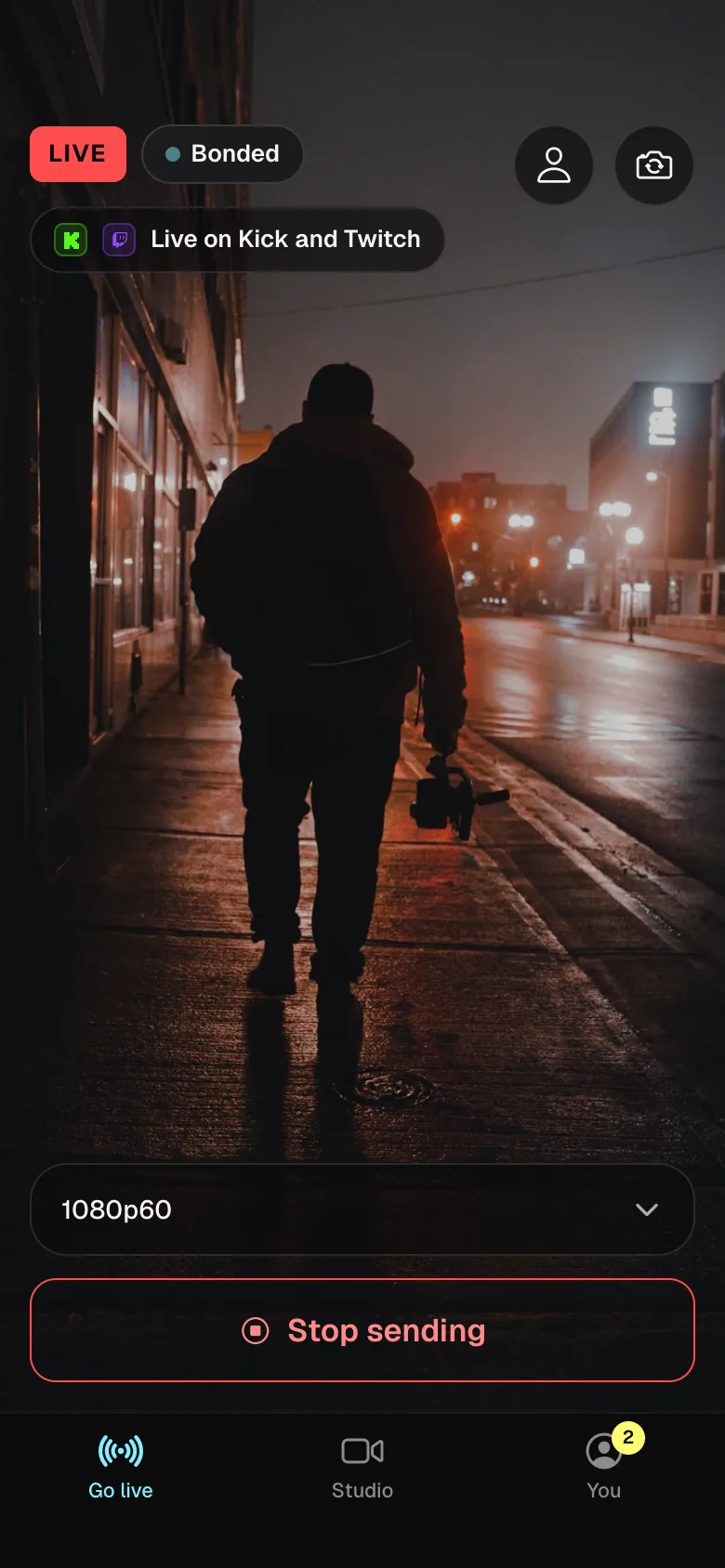
Bond, from your pocket
Your phone sends; the phones beside you share the load.
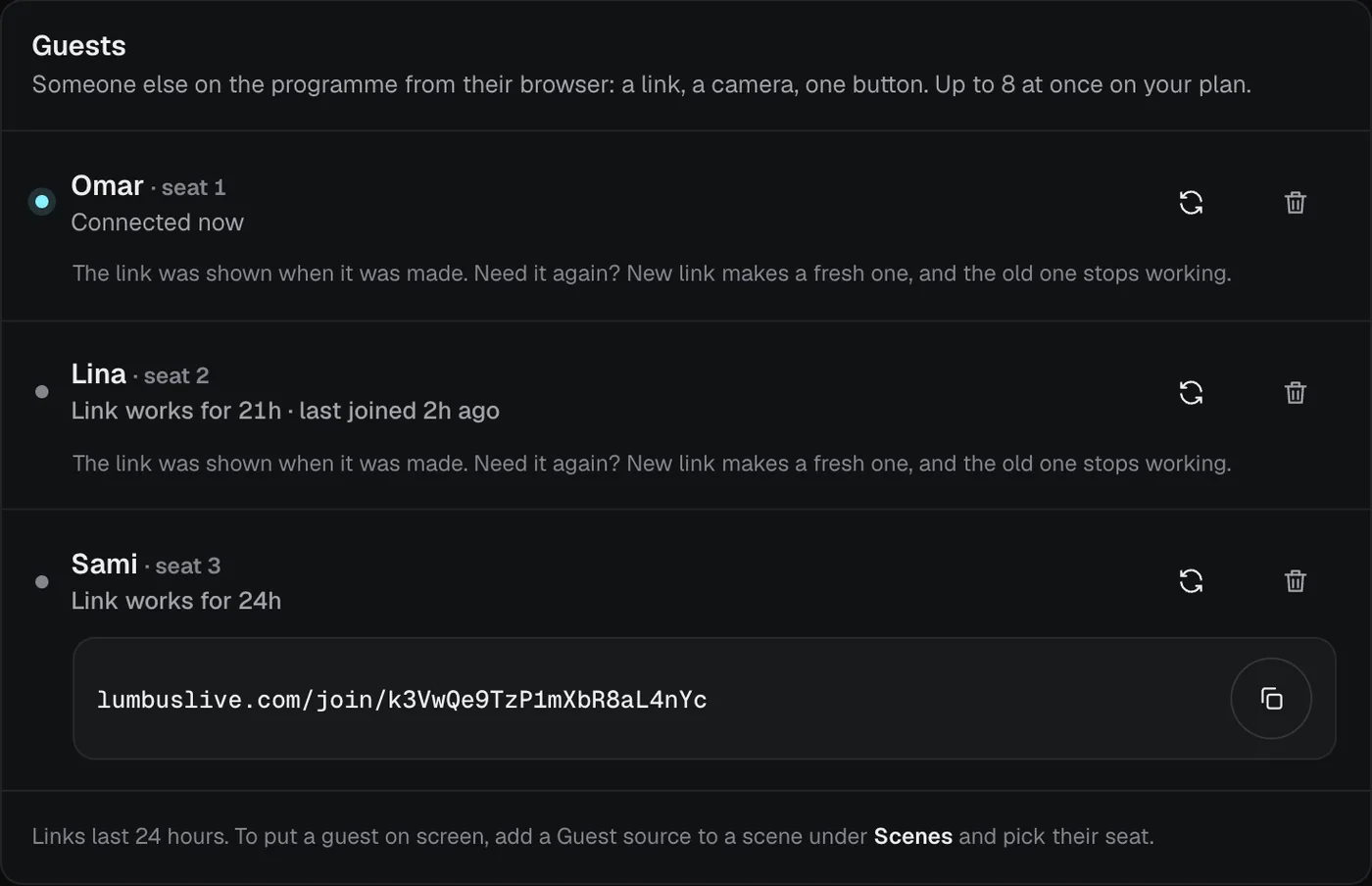
Guests from a link
Experts and witnesses join from a browser, nothing to install.
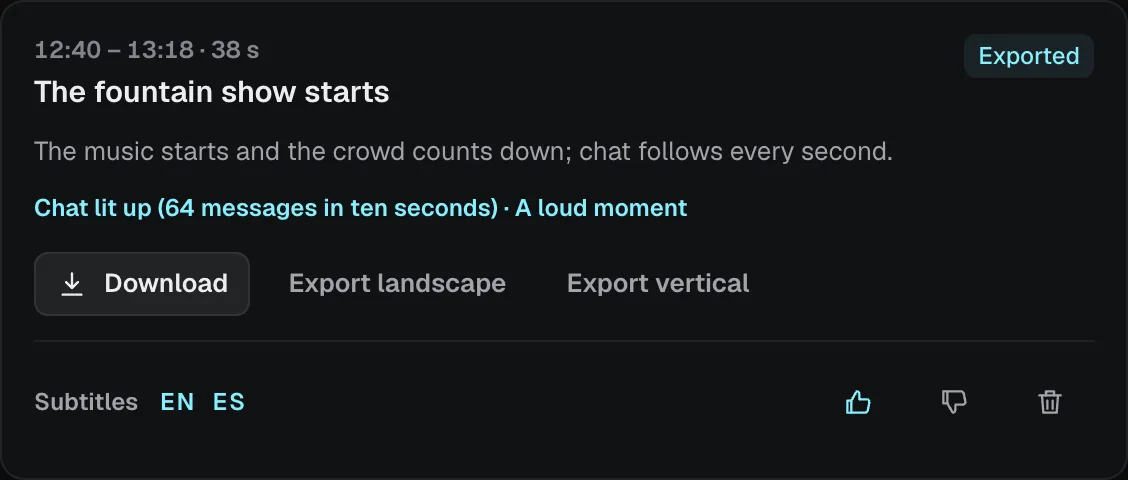
Clips for the bulletin
Clips found after the report, cut landscape or vertical.
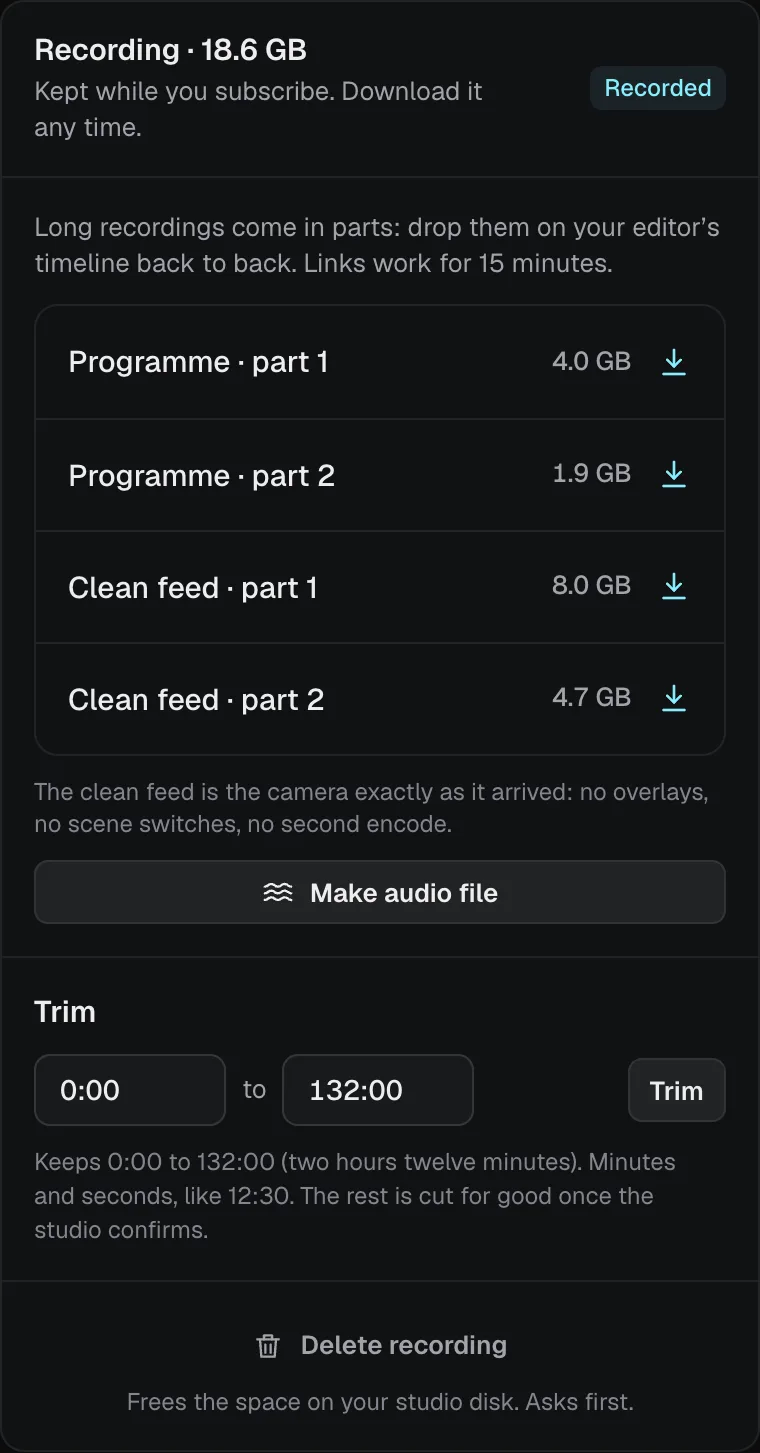
The full recording
Every report kept while you subscribe, ready to download.
The plans that fit
Studio
$49a month
Your phone and two phones beside you, into your studio, with Be right back, scenes and every report recorded.
Studio Pro
$149a month
For a newsroom: the full studio, two cameras or a backup source and four seats.
Questions
Something else? Write to live@getlumbus.com.
Do I need a bonding backpack?
No. Bond uses phones: yours as the camera and the phones around you as the connection.
Where does my Bond stream go?
Into your studio, which sends it to every platform you turn on. If a connection drops, Be right back covers the gap and the stream carries on, with two phones beside you on Studio and up to 14 on Studio Max. Bond is part of every plan.
Can colleagues watch the feed?
Yes, from Studio Plus: invite them to the studio as viewers. A viewer sees the dashboard and changes nothing.
Guides and how-tos for news and media
- The right eSIM for IRL streaming abroadRoaming is the expensive way to stream IRL abroad. How much data a stream uses, why unlimited eSIMs slow down, and the travel eSIM setup to buy before you fly.
- LiveU alternatives for IRL streaming, comparedLiveU Solo, BELABOX, Speedify and the phones in your crew, compared from each one’s own pages: what you buy, what you build, and what keeps you on air.
- How to live stream a football matchStream a full match from a phone: where to put the camera, how to stay live at a ground with weak signal, a scoreboard on screen, and how to handle half time.
- How to live stream a podcast with remote guestsGuests join from a link, every voice records on its own track, and the episode goes out live to YouTube at the same time. The setup, the sound and the edit.
- How much data does live streaming use?A 1080p stream at 8 Mbps uses about 4.3 GB an hour once overhead is counted. The sum to work out your own number, and what pushes it up.
- What is cellular bonding, and do you need it?Bonding sends one stream over several connections at once, so one weak network cannot take you off air. How it works, what it uses, and when to skip it.
- Go live from your phone, with BondYour phone is the camera and the encoder: it sends over every connection it has, and the phones around you lend theirs.
- Bring a guest onSend a guest a link: they join from their browser with their camera, microphone and screen, with nothing to install.
Also on Lumbus
Pick a plan and go live.
Buy by the month, or by the year to save 12%. Want to try it first? Studio Pro is free for three days, with eight hours on air and no card. Or start for free: two hours live a month, for as long as you like.
Go live from your phone with the Lumbus Live app.