Your setup, part by part.
A live stream needs four things: something that sends the picture, a connection that holds, somewhere the stream is produced, and the platforms it goes out to. Here is each part in plain words, and three ways people actually put them together.
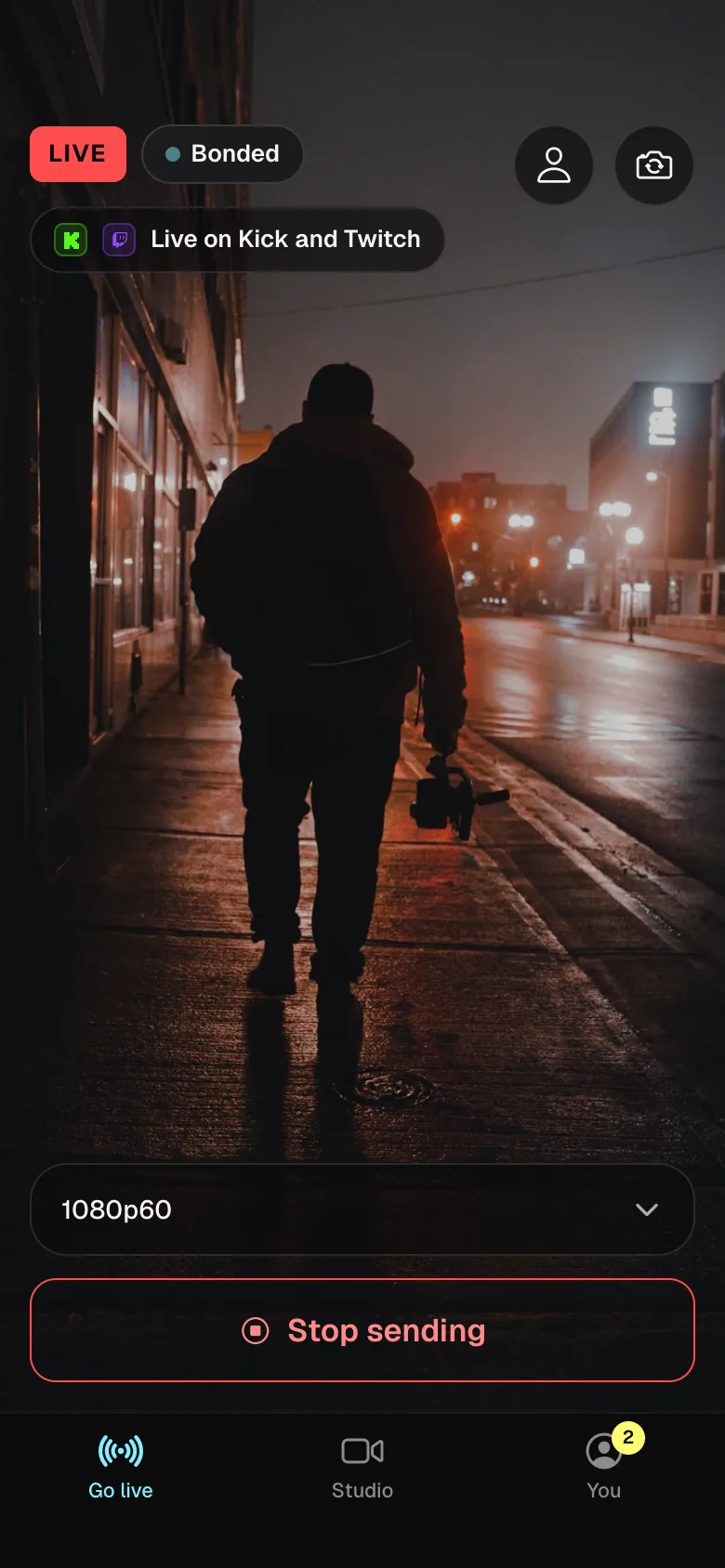
The four parts.
- 1A cameraYour phone with the Lumbus Live app, or any camera through your phone or laptop. More on Cameras
- 2A connection that holdsBond: the phones around you lend their connections and Lumbus rejoins the stream. More on Bond
- 3A production roomStudio: scenes, Be right back, every platform at once, recordings. More on Studio
- 4Your platformsKick, Twitch, YouTube, TikTok, Facebook, X, LinkedIn and any custom RTMP address, all at once from one stream.
Three ways to put it together.
| Setup | What you need | A month |
|---|---|---|
| Your phone | The Lumbus Live app, the phones around you, and Studio. | $49 |
| Your camera | Your phone or a laptop to connect it, the phones around you, and Studio. | $49 |
| Your laptop | OBS or any streaming software, and Studio Pro for a backup source or a second camera. | $149 |
Every price is on Pricing. Nothing is bought once.
Four Studio plans that cancel any time.
Studio is monthly or yearly and stands on its own: it works with whatever you stream from.
Cancel any time.
Free
$0no card
For trying it out: 2 hours live a month · 2 platforms at once · Bond with one phone beside you · the Lumbus logo and our websites on the picture
Start for freeStudio
$49a month
5 platforms at once · 4 guests on screen · 1 seat · 50 GB kept while you subscribe
BuyStudio Plus
$89a month
8 platforms at once · 6 guests on screen · 2 seats · Clean-feed recording · 150 GB kept while you subscribe
BuyStudio Pro
$149a month
12 platforms at once · 8 guests on screen · 4 seats · Two cameras, or a backup source · Priority support · 500 GB kept while you subscribe
BuyStudio Max
$199a month
20 platforms at once · Two studios at once · 12 seats with roles · API and webhooks · 1 TB kept while you subscribe
BuyTechnical detailsThe billing rules and how much a stream uses
- Billing rules
- The Studio plans are subscriptions, paid by the month or by the year, with Bond part of every one. A year costs ten and a half months, so you save 12%. Studio has unlimited live Studio hours (fair use): nothing is ever charged for time on air. Your watch page seats a number of viewers at once by plan; when it is full, newcomers are told so, and your platforms are never affected. Studio Pro can be tried free for three days. No card is needed to start; nothing is charged unless you add one to keep a plan when the trial ends. Charge to watch has no monthly charge: a platform fee, set by your plan, is deducted from each ticket sold. It isn’t part of the free trial. Cancelling stops the next renewal: the plan runs to the end of the month or the year already paid. Extra recording storage is monthly and runs until you stop it; extra AI hours are for the month you buy them in. Taxes are shown separately. Nothing is preselected, and no service is added without you switching it on. An alert before storage fills, and when your AI hours run low. No surprise overage charges. Add-ons are added from Plan & add-ons on the web, at the price shown there before you pay.
- How much a stream uses
- Plan on your video bitrate plus about 20% for Bond’s own overhead: that is what your connections carry between them. At 8 Mbps that is about 4.3 GB an hour, so 100 GB lasts around 23 hours; a poor network pushes it towards 5 GB an hour. Adding more phones does not add to the total: the same stream is divided between them.
Questions
Something else? Write to live@getlumbus.com.
Do I need any hardware?
No. Lumbus uses your phone as the camera, and the phones around you as extra connections. If you already use a camera or a laptop, Lumbus takes that too; a camera sends its picture through your phone or a laptop, unless it streams by itself.
Is there an app?
Yes. The Lumbus Live app for iPhone and Android is the camera, the controls and the alerts. Same login as the web; plans are bought on the web. On the App Store and Google Play.
The full answerHide the full answer
Yes. The Lumbus Live app for iPhone and Android is your camera when you stream from your phone, lends a phone’s connection when it stands beside someone else’s stream, and carries your studio and dashboard: scenes and Be right back, go live and end stream, record and clip, platforms on or off, every connection and its health, alerts as pushes even with the app in the background, and the support line. Same login as the web, free with every plan; plans and add-ons are bought on the web. On the App Store and Google Play.
Can I stream from a camera or a laptop?
Yes. Anything that sends SRT, SRTLA or RTMP points at your Lumbus address. The details live in the dashboard and the guides, not on this page.
The full answerHide the full answer
Yes. Lumbus gives every source its own SRT, SRTLA and RTMP address from day one. Point a laptop running your streaming software, or a camera that streams by itself, at them and the picture arrives in your studio like any other; on Studio Pro and Studio Max a second source can stand by as a backup and take over by itself, or go on screen beside the first as a second camera.
Keep reading
- How much data does live streaming use?A 1080p stream at 8 Mbps uses about 4.3 GB an hour once overhead is counted. The sum to work out your own number, and what pushes it up.
- Why your IRL stream keeps droppingStreams drop on the move because upload collapses in crowds and between masts. The fixes in order, from a lower bitrate to a studio that holds your broadcast.
- The right eSIM for IRL streaming abroadRoaming is the expensive way to stream IRL abroad. How much data a stream uses, why unlimited eSIMs slow down, and the travel eSIM setup to buy before you fly.
- IRL streaming backpackAn IRL backpack is an encoder box, modems, a battery and a bag. With Lumbus your phone is the encoder and the phones around you are the connection.
- Multi-network streamingStream on several mobile networks at once, so one crowded mast can’t take you off air: the phones around you through Bond.
- Cloud OBSOBS in the cloud: a production studio online. Scenes, overlays, chat, guests and every platform at once, from a browser or your phone. From $49 a month.
Pick a plan and go live.
Buy by the month, or by the year to save 12%. Want to try it first? Studio Pro is free for three days, with eight hours on air and no card. Or start for free: two hours live a month, for as long as you like.
Go live from your phone with the Lumbus Live app.

Where next