For churches
Every service, everywhere your church watches.
Stream to YouTube and Facebook at once from a phone, a camera or a laptop. If the connection drops mid-service, viewers see Be right back, not a frozen picture, and Live comes back by itself.
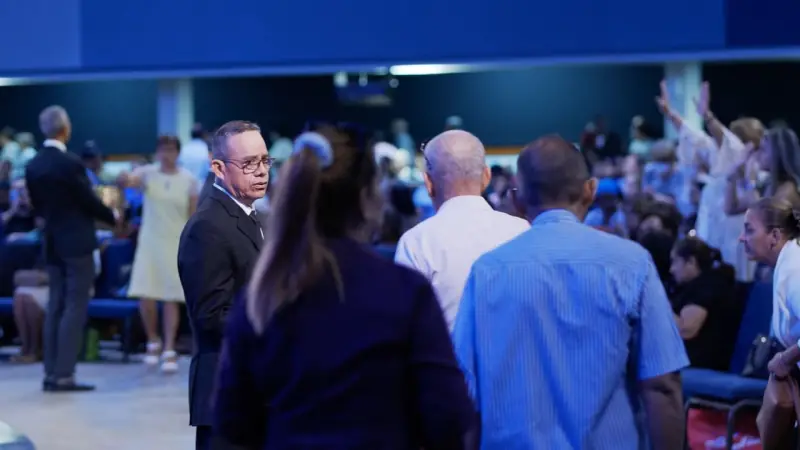
A Sunday, start to finish
Before the service
Starting soon
Your Starting soon scene goes up while people arrive; every platform is tested off air.
The service
Two cameras, one programme
On Studio Pro a second camera goes side by side or picture in picture, or stands by as a backup.
If it drops
Be right back, by itself
Viewers see Be right back, your platforms stay connected, and the service comes back when the signal does.
After
For the week ahead
Download the service, or save the last 30 seconds, one minute or two minutes as a clip of its own while you are still live.
What a service leans on
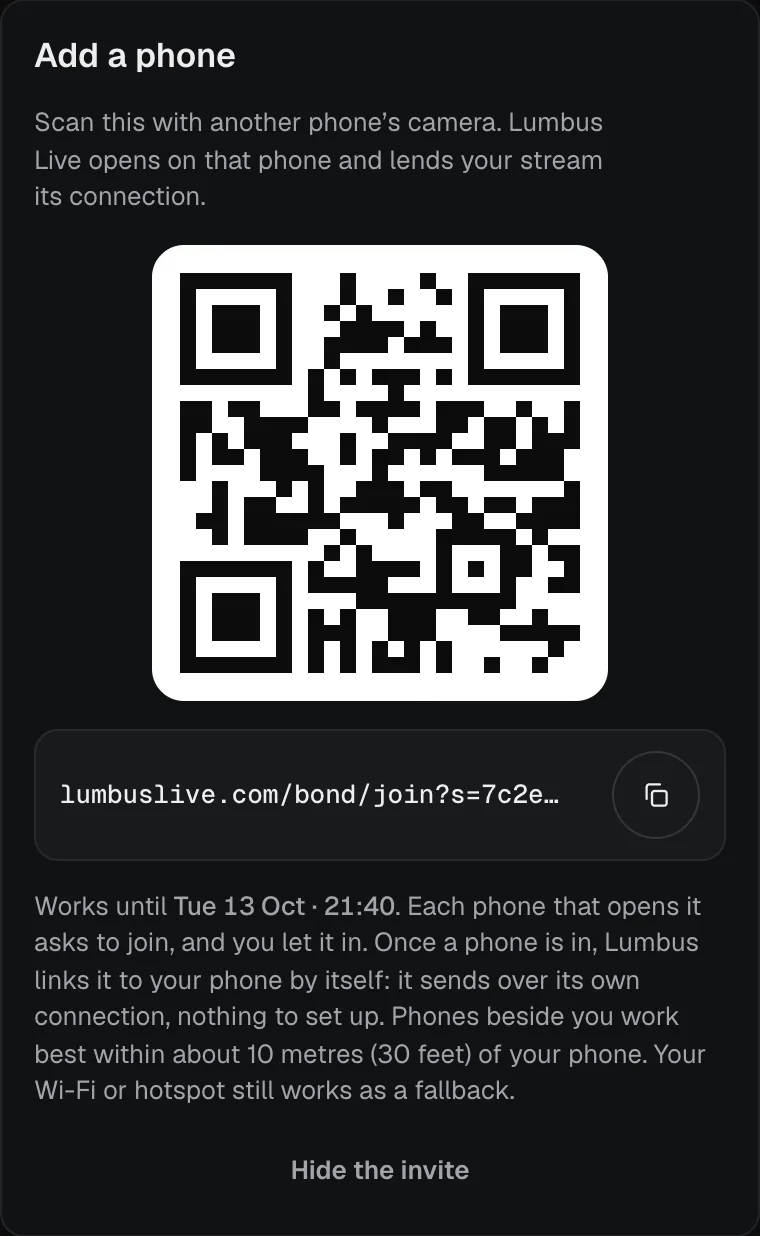
Phones as the connection
When the building’s internet is weak, a phone scans this code and carries part of the stream.
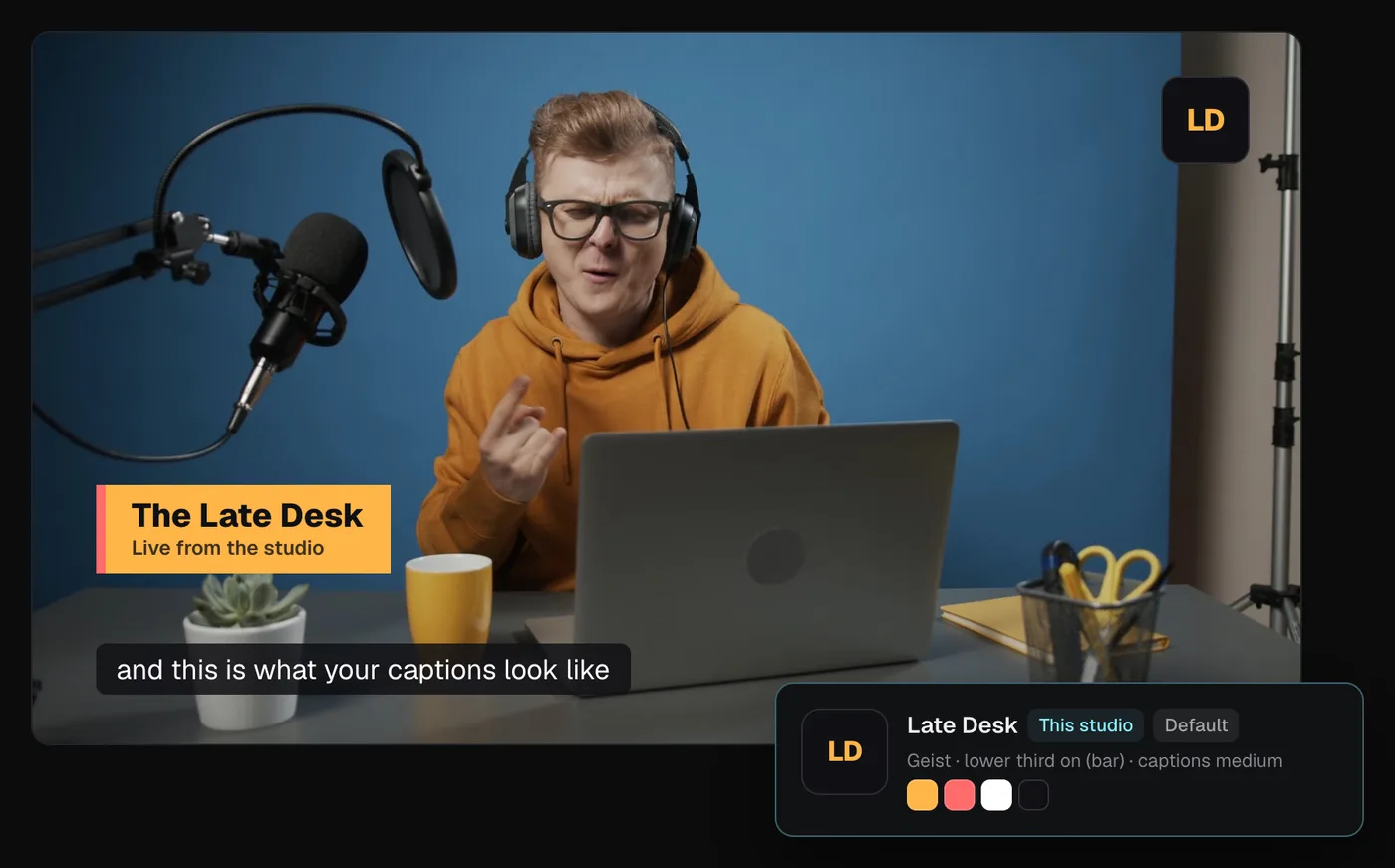
Names on screen
Lower thirds in your church’s colours for every speaker.
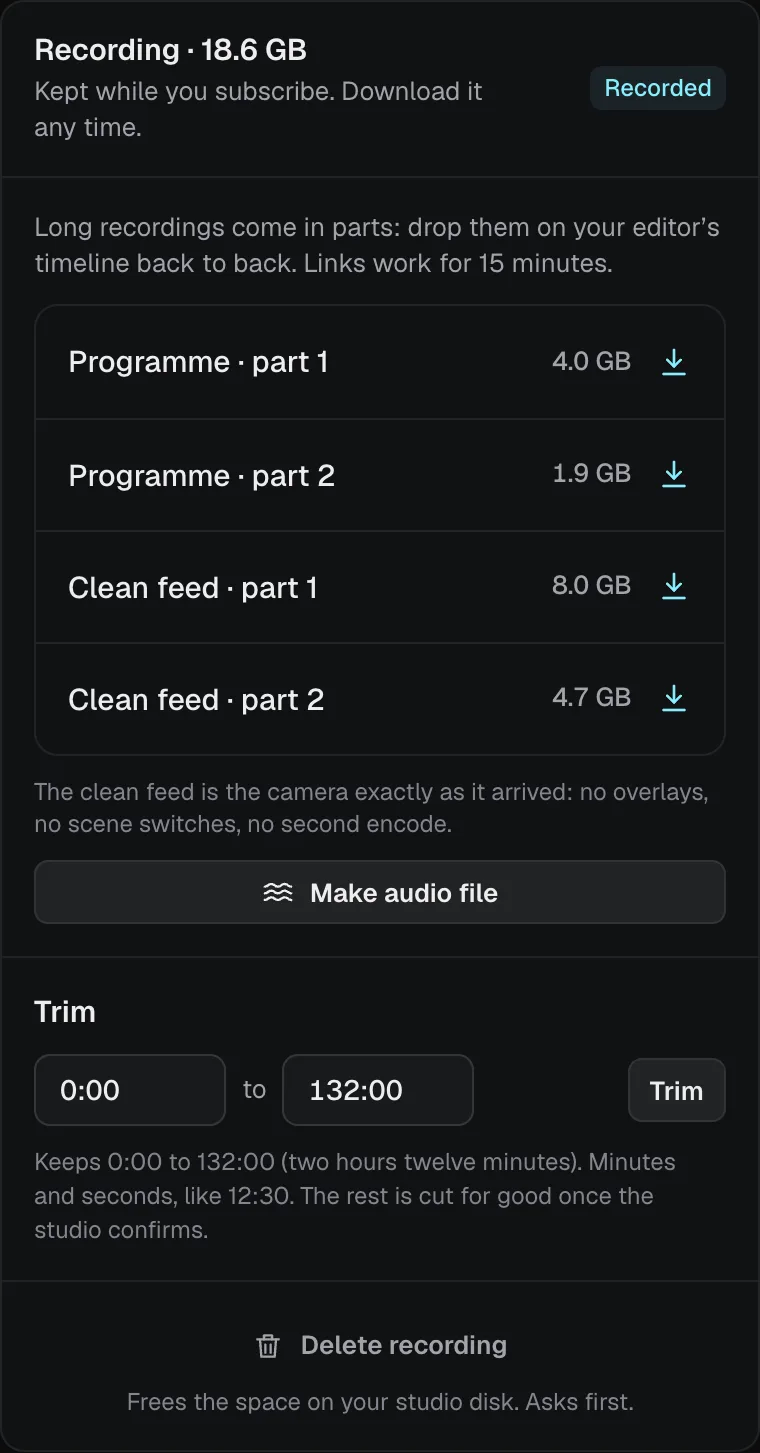
Record every service
Kept while you subscribe; download it any time.
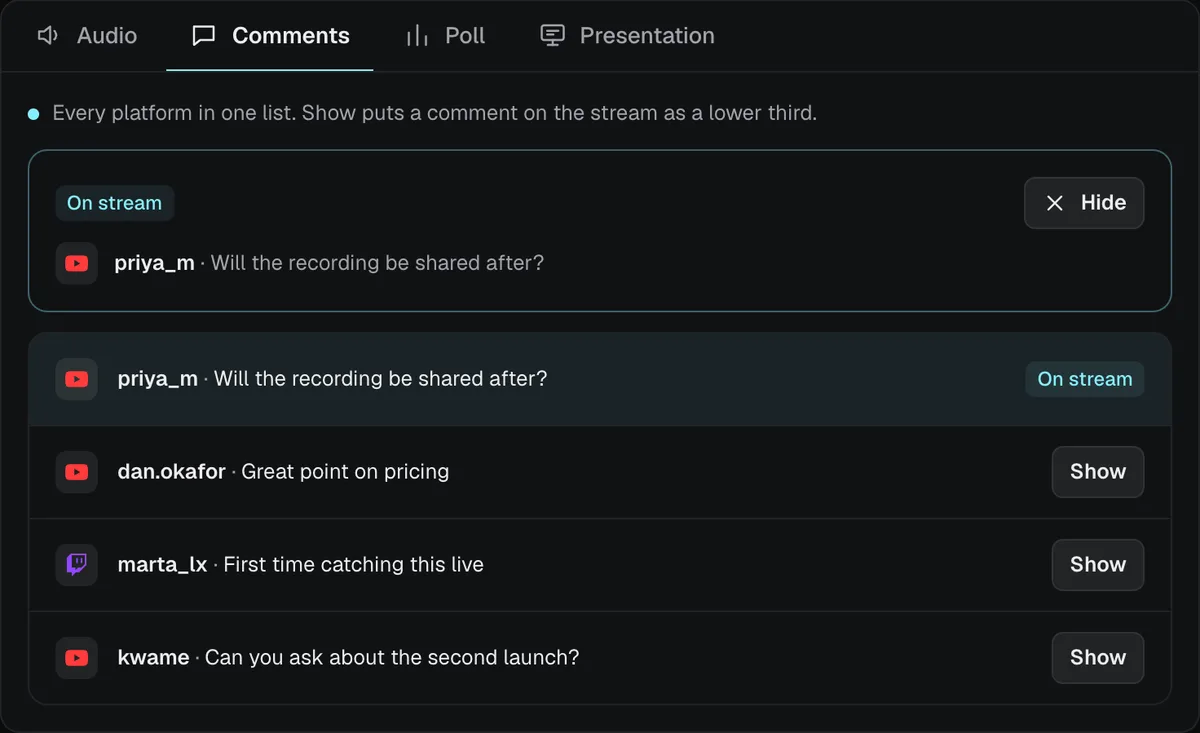
Comments from YouTube
Read them in one list; put one on screen with a tap.
The plans that fit
Studio Pro
$149a month
Two cameras or a backup source that takes over by itself, pre-recorded services on a schedule and 500 GB of recordings.
Studio
$49a month
Five platforms at once, live captions, Be right back and 50 GB of recordings.
Questions
Something else? Write to live@getlumbus.com.
Do we need special equipment?
No. A phone running the Lumbus Live app can be the camera; any other camera connects through a phone or a laptop; a laptop sends from OBS or any streaming software over SRT, SRTLA or RTMP, or straight from the browser.
Our internet is weak. Will the stream hold?
Bond adds the phones around you as extra connections. Each one keeps the Lumbus Live app open and lends its own mobile connection; your stream is split across all of them and put back together by Lumbus, so when one network fades the others carry it. Each Studio plan carries a number of them: 2 on Studio, 4 on Studio Plus, 8 on Studio Pro and 14 on Studio Max.
Can we stream a recorded service at a set time?
Yes, on Studio Pro and up. Pick the uploaded video, the start time and the platforms: the studio wakes, goes live and ends by itself.
Guides and how-tos for churches
- How to live stream a church serviceEvery service on YouTube and Facebook at once, with captions, a recording and a backup when the Wi-Fi drops. The setup, the sound and a Sunday routine.
- How to live stream a wedding for family far awayStream a wedding to a private page grandparents can open from a link: the camera, the sound, a connection that holds at the venue, and a recording after.
- A Restream alternative with bonding built inRestream copies one stream to many platforms. Lumbus Live does that at 1080p60 on every plan, and adds phone bonding and a watch page that sells tickets.
- How to stream to multiple platforms at onceGo live on YouTube, Twitch, Kick, TikTok, LinkedIn and more at the same time without doubling your upload: the three ways, and the one that holds.
- Go live, take a break, end the streamThe Live page: Go live, Be right back, recording, clips and End stream, and going live to your watch page on its own.
- If your stream dropsWhat your studio does by itself when your signal drops, and the steps to take, in order.
Also on Lumbus
Pick a plan and go live.
Buy by the month, or by the year to save 12%. Want to try it first? Studio Pro is free for three days, with eight hours on air and no card. Or start for free: two hours live a month, for as long as you like.
Go live from your phone with the Lumbus Live app.