Bond
Throw away the backpack.
No bonding backpack. No box running hot on your back. No overheating hardware at all. Bond turns the phones around you into one connection, and when one network fades, the others carry your stream.
Bond is part of every plan, Free included, and costs nothing extra: one phone beside you on Free, two on Studio, four on Studio Plus, eight on Studio Pro and fourteen on Studio Max.
- hardware to buy, rent or carry
- 0
- phones one stream can lean on
- 14
- extra: Bond comes with every plan, Free included
- $0
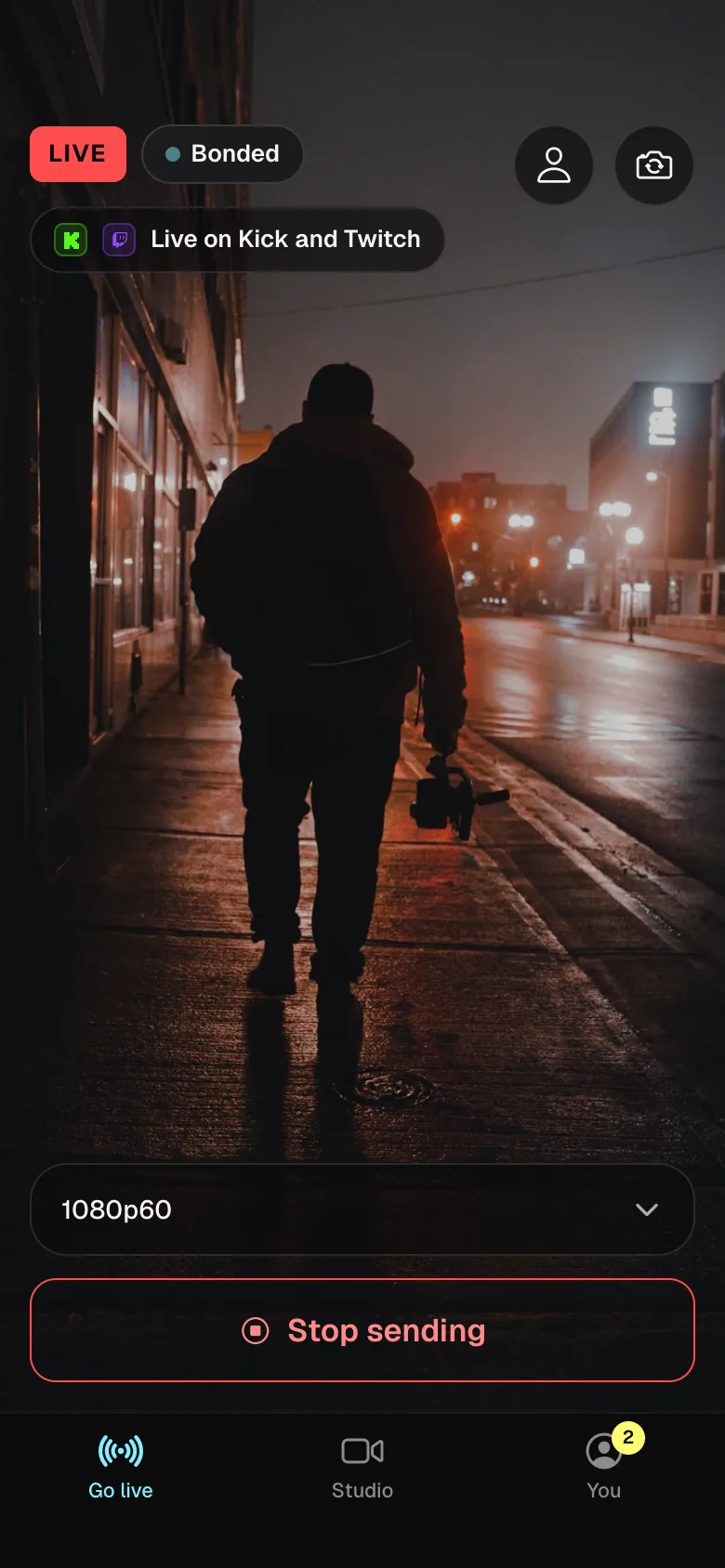
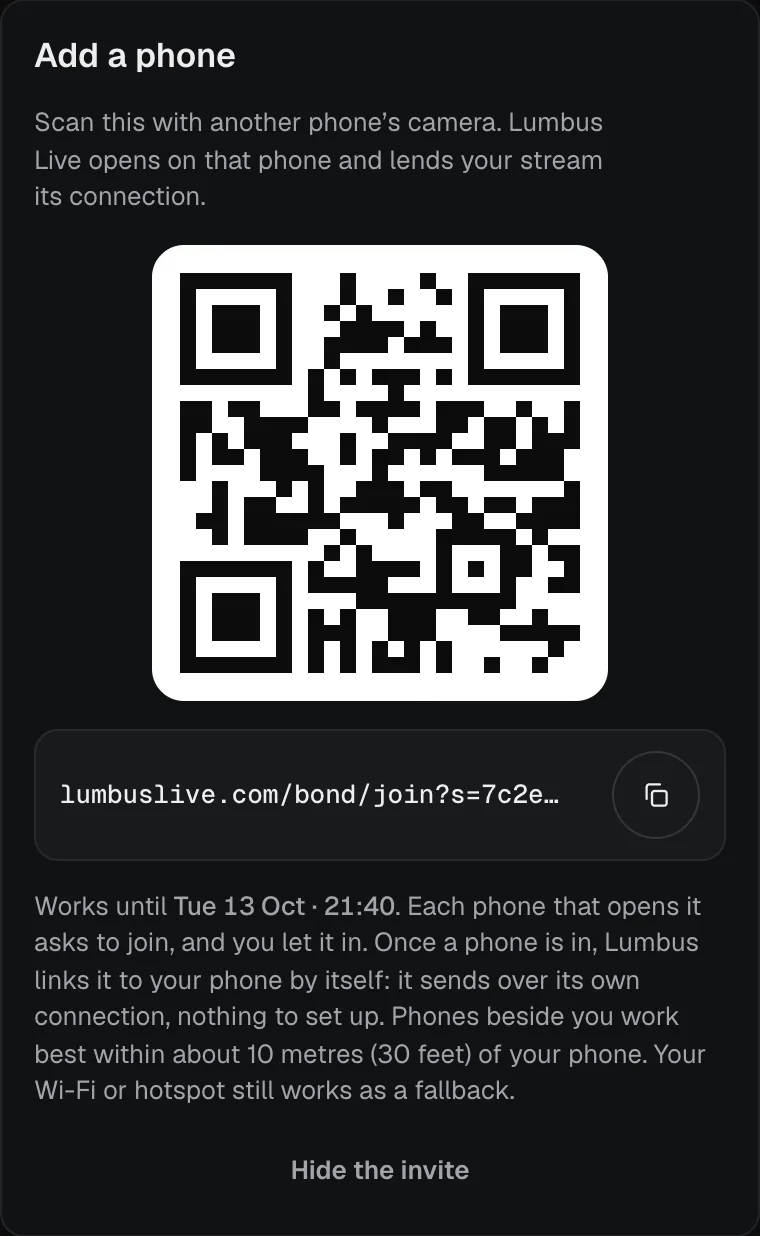
Go on. Cut a connection.
This is the stream going out over your phone, two phones beside you and Wi-Fi. Cut them one by one and watch what viewers get.
Try it: cut a connection
A preview of a live stream going out over four connections, your phone, two phones beside you and Wi-Fi, to Twitch, YouTube, Kick and TikTok. Cut connections to see what viewers get: while one is left the stream carries on; when all are cut, Studio shows Be right back and returns to Live by itself once a connection is back. Timings are shortened.

- Twitch
- YouTube
- Kick
- TikTok
- Twitch
- YouTube
- Kick
- TikTok
- and more
One word
You always know where you stand.
Your stream is spread across every connection you add and put back together by Lumbus. One word tells you where you stand.
Bonded
Two or more connections on different networks are carrying you.
Single
One connection, or several on the same network. Add a phone on another network.
Weak
Your connections together carry less than your stream needs. Quality drops; the stream stays up.
Lost
Nothing is carrying your stream. Studio shows viewers Be right back until a connection returns.
How it works
Three things, and nothing to set up.
- 1
Scan a code
Each phone you add scans a code from your screen. No account to make, nothing to configure.
- 2
Keep the app open
The phone keeps the Lumbus Live app open and lends its connection, on its own plan. Leave and the stream carries on without it.
- 3
Lumbus rejoins the stream
Your stream is split across every connection and put back together by Lumbus in your studio, before it goes out.
In every plan
More phones as your plan grows.
Bond comes with every plan and is never sold on its own. Your phone is the camera and the phones around you become the connection, into your studio.
Studio Plus
$89a monthor $933.99 a year
4 phones beside you lend a connection · 8 platforms at once
BuyStudio Pro
$149a monthor $1,563.99 a year
8 phones beside you lend a connection · 12 platforms at once
BuyStudio Max
$199a monthor $2,089 a year
14 phones beside you lend a connection · 20 platforms at once
BuyEach Studio plan is a subscription you can cancel any time, and Bond costs nothing extra on any plan. On Free, Bond goes through your studio.
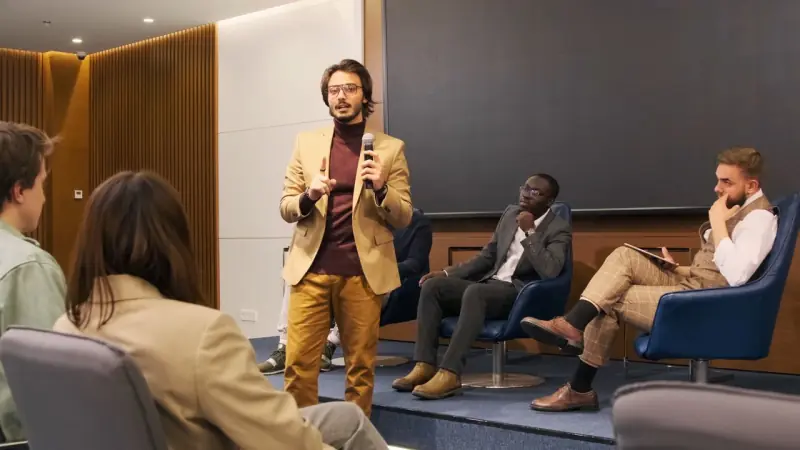
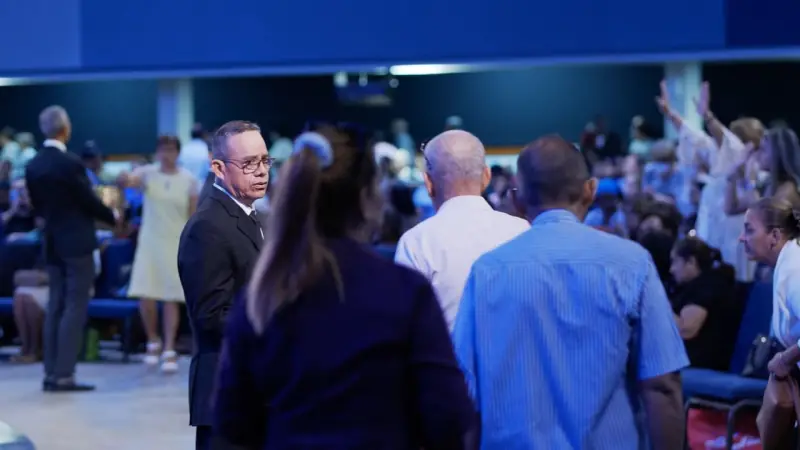
Where Bond earns its keep


Questions
Something else? Write to live@getlumbus.com.
How does Bond work?
Each phone you add runs the Lumbus Live app and lends its connection. Your stream is split across all of them and put back together by Lumbus in your studio, before it goes out.
The full answerHide the full answer
Each phone you add scans a code from your screen, keeps the Lumbus Live app open and lends its connection. Your stream is split across every connection and put back together by Lumbus in your studio, so one weak network never ends the stream. One word tells you where you stand: Bonded (two or more connections on different networks), Single, Weak or Lost. Bond is part of every plan, Free included: one phone beside you on Free, up to 14 on Studio Max.
Do the phones around me need a plan?
They use their own data plans, shared between them, so each one carries only a part of your stream. How much depends on your picture quality; the next answer gives a figure.
How much data does a stream use?
It depends on the picture quality you stream at. As a guide, plan on about 4.3 GB an hour for high-quality HD, shared across the connections you add.
The full answerHide the full answer
Plan on your video bitrate plus about 20% for Bond’s own overhead: that is what your connections carry between them. At 8 Mbps that is about 4.3 GB an hour, so 100 GB lasts around 23 hours; a poor network pushes it towards 5 GB an hour. Adding more phones does not add to the total: the same stream is divided between them.
What happens when my signal drops?
Viewers see a “Be right back” screen instead of a frozen picture, and Live comes back by itself when your signal returns. All your platforms stay connected the whole time.
The full answerHide the full answer
Studio watches your feed once a second. Weak for a few seconds and viewers get your Low bitrate scene; gone, and they get Be right back. A frozen or black picture arriving at a healthy bitrate is seen too: shown as a word, and sent to Be right back if you turn that rule on. Live comes back by itself once the signal has held for a few seconds, with a margin, so it never flaps. Viewers see a designed scene, not a frozen frame, and all your platforms stay connected the whole time.
Can I put the other phones back in my pocket?
On Android, a phone can keep lending its connection in the background. On iPhone, the Lumbus Live app must stay open on screen while that phone is lending its connection; the join screen says so.
Do I need any hardware?
No. Lumbus uses your phone as the camera, and the phones around you as extra connections. If you already use a camera or a laptop, Lumbus takes that too; a camera sends its picture through your phone or a laptop, unless it streams by itself.
Guides and how-tos
- What is cellular bonding, and do you need it?Bonding sends one stream over several connections at once, so one weak network cannot take you off air. How it works, what it uses, and when to skip it.
- Why your IRL stream keeps droppingStreams drop on the move because upload collapses in crowds and between masts. The fixes in order, from a lower bitrate to a studio that holds your broadcast.
- The right eSIM for IRL streaming abroadRoaming is the expensive way to stream IRL abroad. How much data a stream uses, why unlimited eSIMs slow down, and the travel eSIM setup to buy before you fly.
- How much data does live streaming use?A 1080p stream at 8 Mbps uses about 4.3 GB an hour once overhead is counted. The sum to work out your own number, and what pushes it up.
- How to live stream a football matchStream a full match from a phone: where to put the camera, how to stay live at a ground with weak signal, a scoreboard on screen, and how to handle half time.
- Go live from your phone, with BondYour phone is the camera and the encoder: it sends over every connection it has, and the phones around you lend theirs.
- If your stream dropsWhat your studio does by itself when your signal drops, and the steps to take, in order.
Where next
Pick a plan and go live.
Buy by the month, or by the year to save 12%. Want to try it first? Studio Pro is free for three days, with eight hours on air and no card. Or start for free: two hours live a month, for as long as you like.
Go live from your phone with the Lumbus Live app.