For podcasts
Your podcast, live, with every voice on its own track.
Send guests a link; they join from their browser, nothing to install. The episode goes out live while Lumbus records the programme and each guest separately.
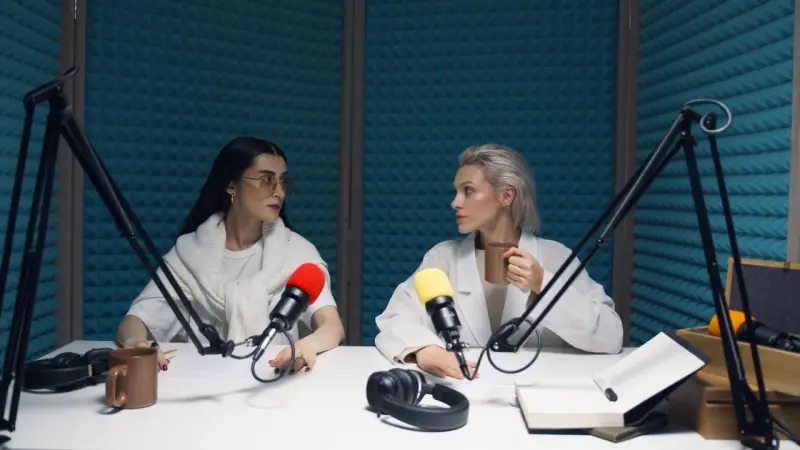
An episode, start to finish
Before
Send the links
Each guest gets a seat and a link that works for 24 hours. A new link replaces the old one.
On air
Side by side
Place the guests where you want them on the scene; a question from YouTube goes on screen as a lower third.
While you talk
Recorded twice over
From Studio Plus, each guest can also record their own camera in full quality in their browser and upload it after the show.
After
Edit, cut, post
Download the programme, every guest’s video and audio, an audio-only file, and the clips Lumbus found.
What an episode leans on
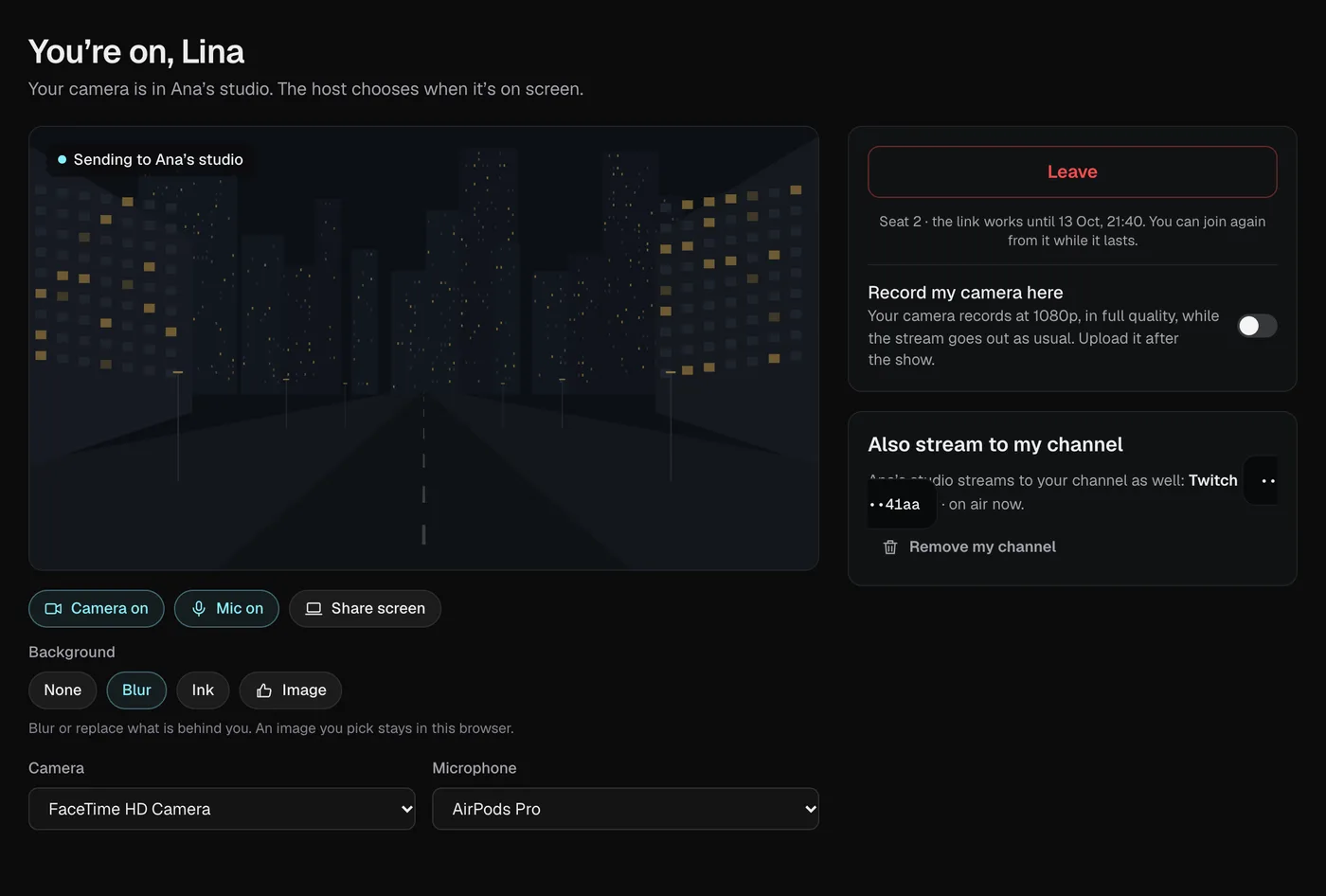
What your guest sees
Camera, microphone, screen, a background, and from Studio Plus, Record my camera here.
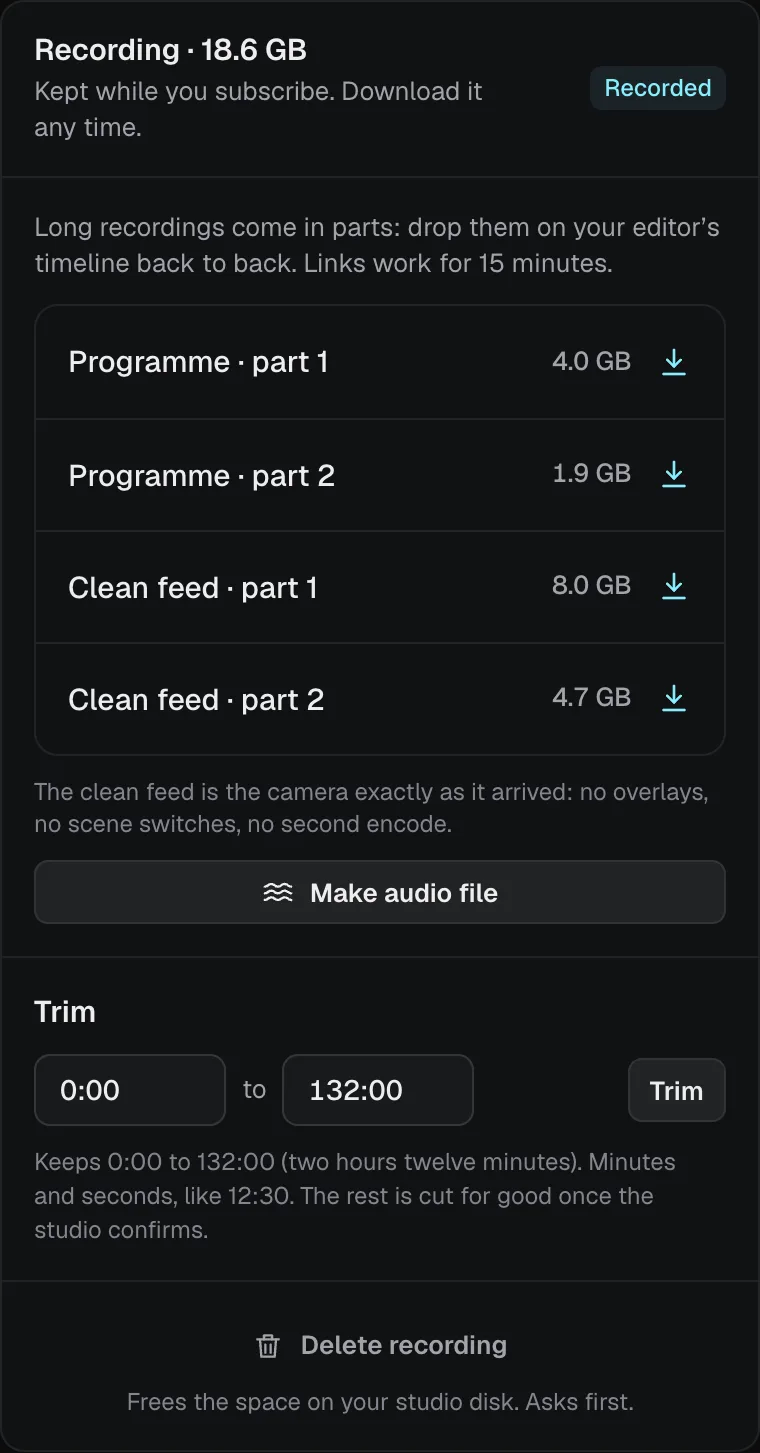
Every voice on its own track
Separate video and audio tracks for every guest and every feed, beside the programme.
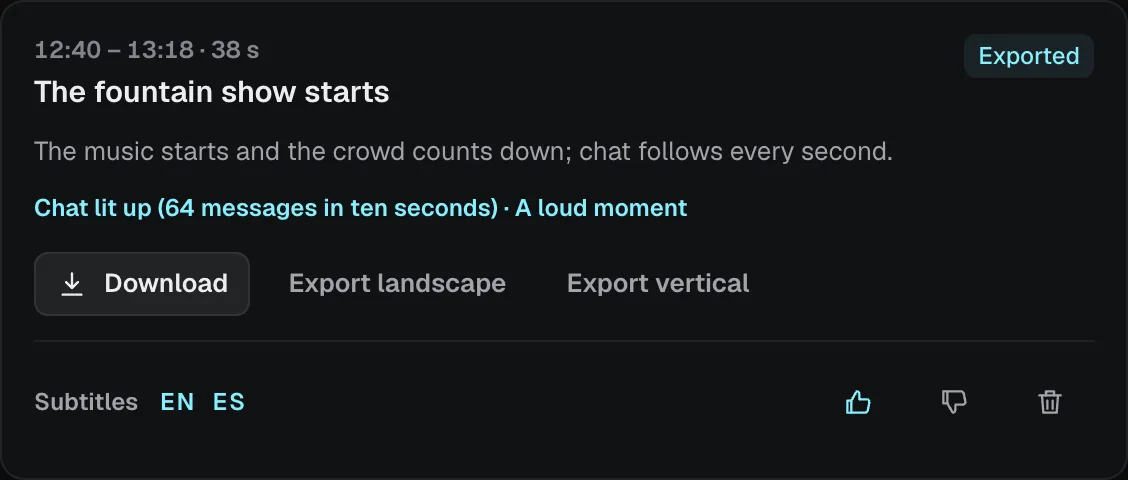
Clips after the episode
Lumbus finds the clips worth posting and cuts them landscape or vertical, with subtitles.
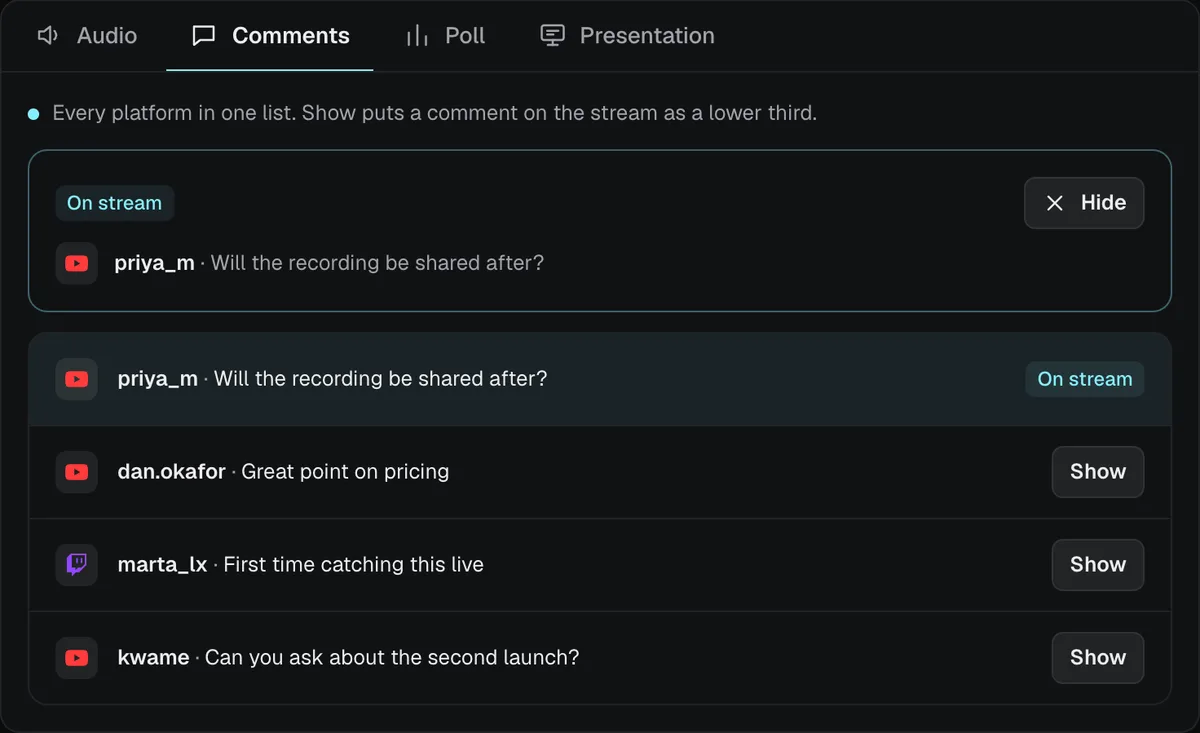
Listener questions on screen
Comments from YouTube, Twitch and Kick in one list. Tap Show to put one up.
The plans that fit
Studio Plus
$89a month
Six guests on screen, a clean-feed recording beside the programme, landscape and vertical recorded at once, and 4K ISO recording in your own browser.
Studio
$49a month
Four guests on screen, every guest on a track of their own, five platforms at once and 50 GB of recordings.
Questions
Something else? Write to live@getlumbus.com.
Can guests join without installing anything?
Yes. A guest opens a link in a browser on a computer or a phone, picks a camera and a microphone, shares a screen if you want it, and waits off screen until you put them on. No app and no account; a link works for 24 hours. Studio takes four guests on screen, Studio Plus six, Studio Pro and Studio Max eight.
Do I get each voice on its own track?
Yes. Every guest and every feed is recorded on its own video and audio track beside the programme, and each one downloads as its own file.
Can I put out an audio-only version?
Yes. Any recording becomes an audio file with one button under Past streams.
Guides and how-tos for podcasts
- A StreamYard alternative that leaves the deskStreamYard is a friendly browser studio. Lumbus Live keeps the guests from a link and adds your phone as the camera, phone bonding and paid tickets.
- How to live stream a podcast with remote guestsGuests join from a link, every voice records on its own track, and the episode goes out live to YouTube at the same time. The setup, the sound and the edit.
- Restream vs StreamYard, and when to pick neitherRestream and StreamYard side by side from their own pricing pages: platforms, picture, guests and logos. Then the shows neither one was built for.
- Bring a guest onSend a guest a link: they join from their browser with their camera, microphone and screen, with nothing to install.
- Recordings and clipsEvery stream is recorded unless you switch it off. Download it from Past streams, and find the clips worth posting.
Also on Lumbus
Pick a plan and go live.
Buy by the month, or by the year to save 12%. Want to try it first? Studio Pro is free for three days, with eight hours on air and no card. Or start for free: two hours live a month, for as long as you like.
Go live from your phone with the Lumbus Live app.