For businesses
Launches, town halls and webinars, in your brand.
Bring speakers in from a link, put your slides on screen and go out to LinkedIn, YouTube and your own watch page at once. Lumbus runs the production in the cloud, so nobody installs anything.
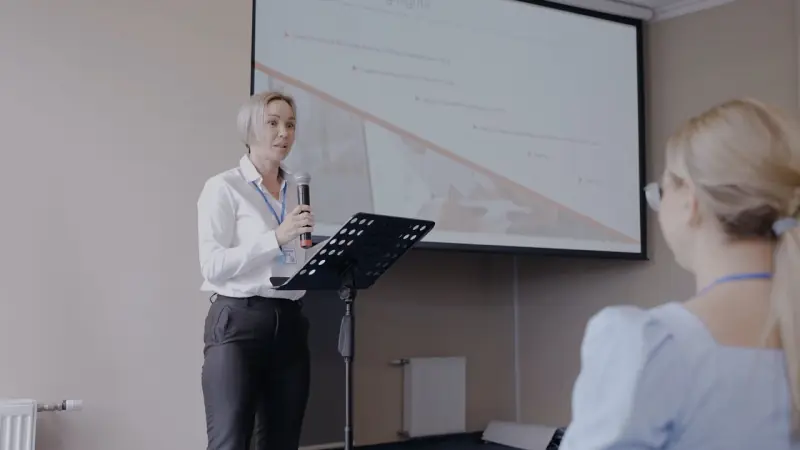
A launch, start to finish
The week before
Set up the show
Your brand kit, your scenes, your slides as a PDF, and a watch page with registration switched on.
Ten minutes out
Speakers wait off screen
Each speaker opens their link and waits until you bring them on. You test every platform off air.
Live
Everywhere at once
LinkedIn, YouTube and the watch page together. A question from YouTube goes on screen as a lower third; a poll runs on the watch page.
After
Recording, clips, the list
Download the programme and each speaker’s own track, take the clips Lumbus cut, and see who registered.
What a launch leans on
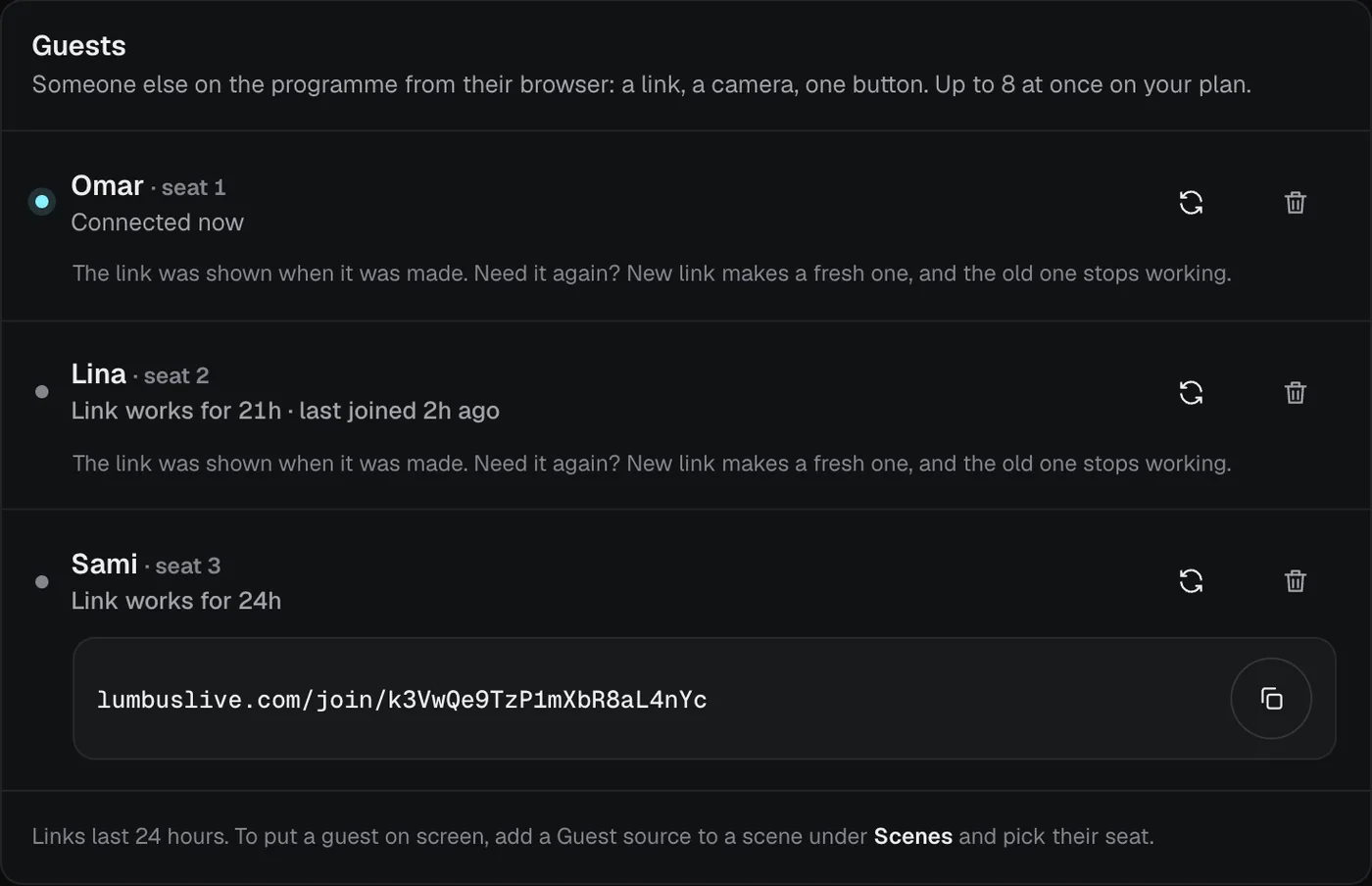
Speakers from a link
Up to eight on screen on Studio Pro, each from their own browser.
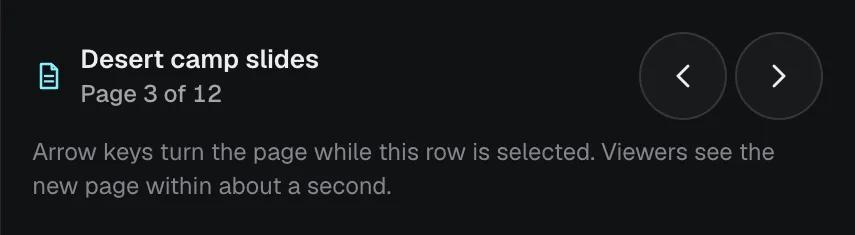
Your slides, live
Upload a PDF and turn the pages from the dashboard or with the arrow keys; the page on air turns with you.
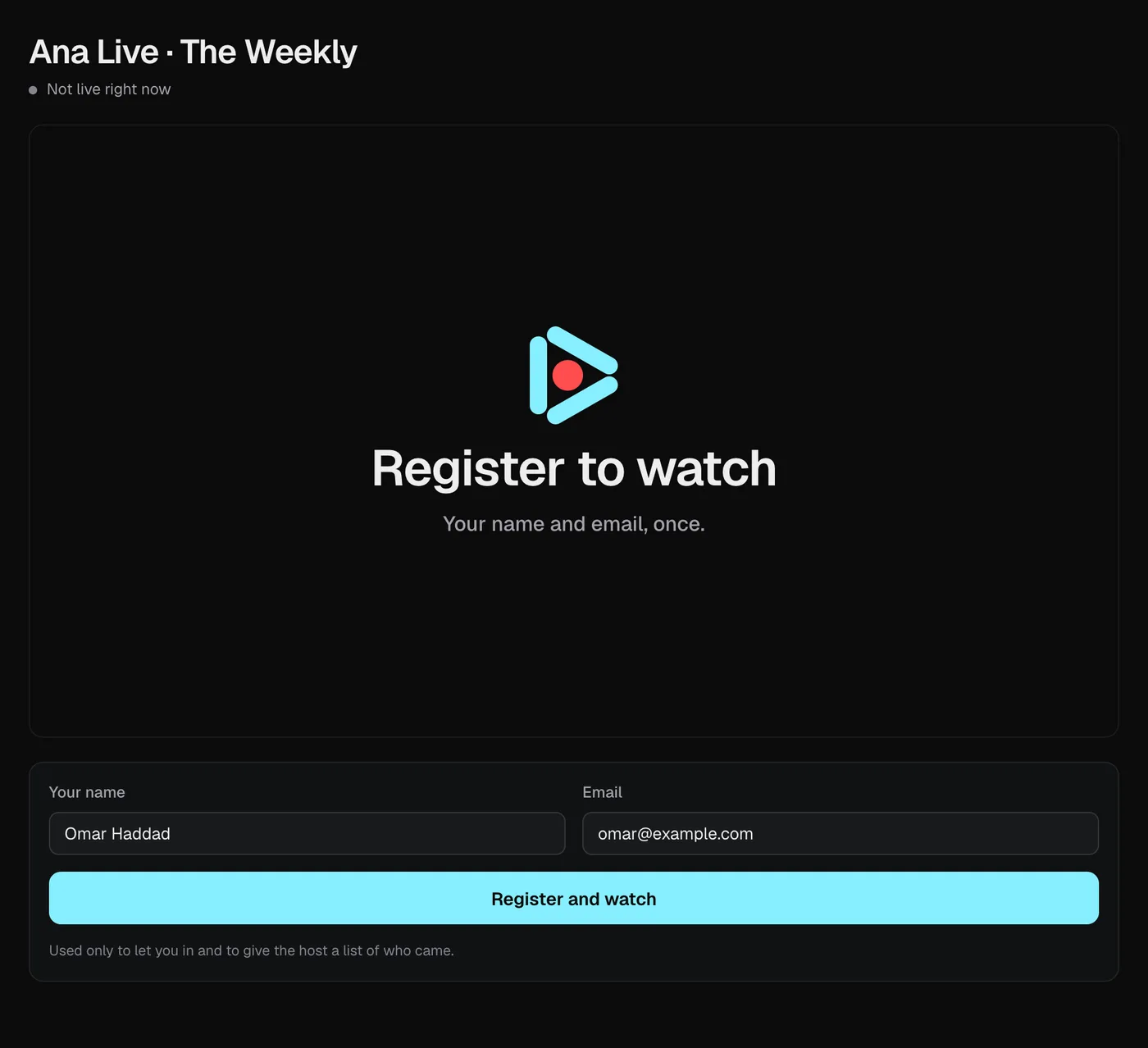
A watch page people register for
Name and email once, a limit you set, and the list of who came.
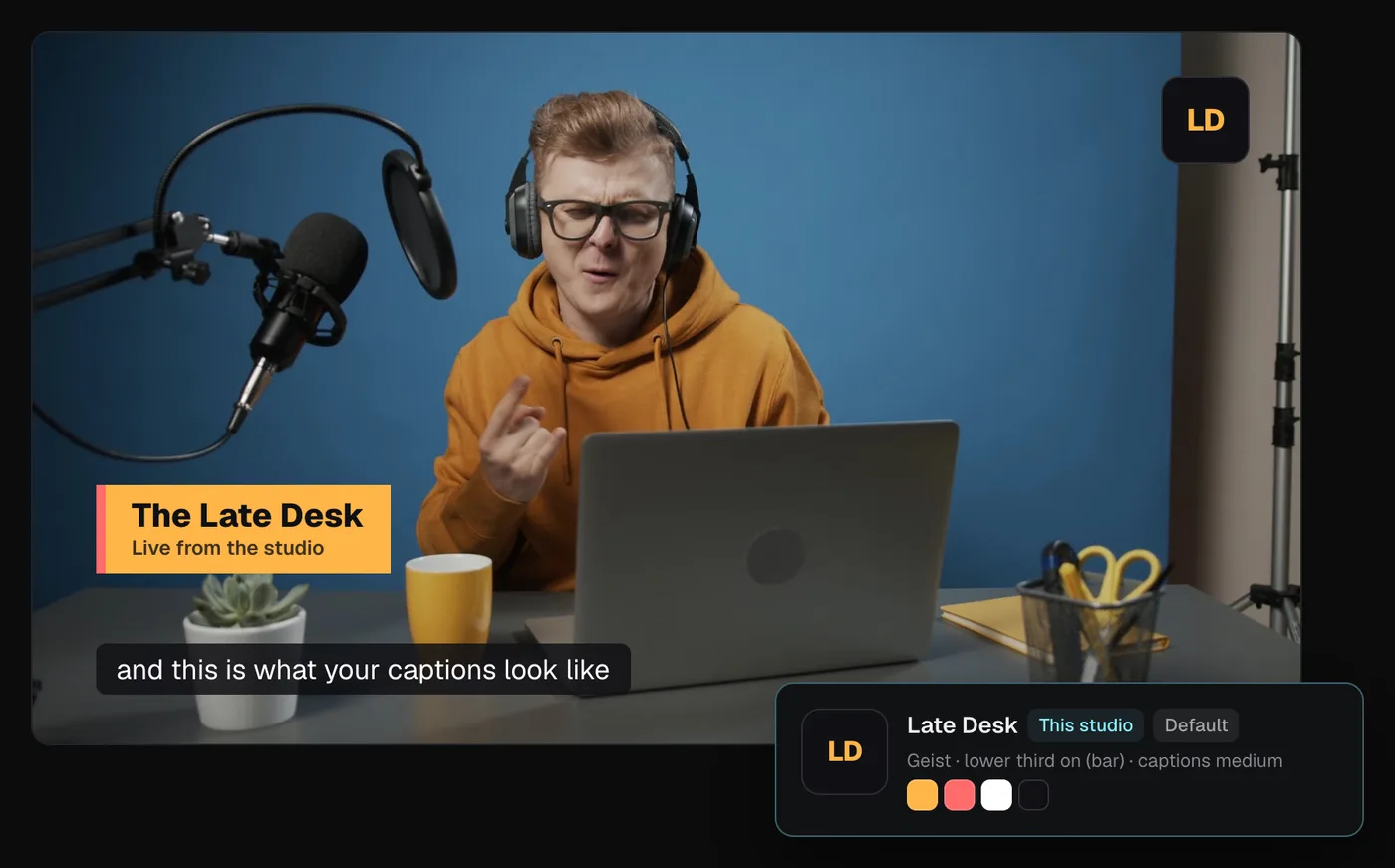
Your brand on everything
Logo, colours and lower-third style, saved as a kit and worn by every overlay and clip.
The plans that fit
Studio Pro
$149a month
Eight speakers on screen, a backup source that takes over by itself, four seats and 500 GB of recordings.
Studio Max
$199a month
For a team: twelve seats with roles, two studios live at once, the API and webhooks, and 1 TB of recordings.
Questions
Something else? Write to live@getlumbus.com.
Can we stream to LinkedIn?
Yes. Paste the stream address and key LinkedIn gives you for a broadcast, and it goes out with YouTube, Facebook, X and the rest from the same stream.
Can people watch without an account?
Yes. Your watch page is one link anyone can open, no account and no app. Turn on registration and viewers give a name and an email once before it plays; registration closes at the number you set, and you see who came.
Can guests join without installing anything?
Yes. A guest opens a link in a browser on a computer or a phone, picks a camera and a microphone, shares a screen if you want it, and waits off screen until you put them on. No app and no account; a link works for 24 hours. Studio takes four guests on screen, Studio Plus six, Studio Pro and Studio Max eight.
Guides and how-tos for businesses
- How to host a live webinar people register forSpeakers from a link, slides on screen, LinkedIn and YouTube at once, and a watch page people register for. How to plan, run and follow up a webinar.
- A StreamYard alternative that leaves the deskStreamYard is a friendly browser studio. Lumbus Live keeps the guests from a link and adds your phone as the camera, phone bonding and paid tickets.
- Restream vs StreamYard, and when to pick neitherRestream and StreamYard side by side from their own pricing pages: platforms, picture, guests and logos. Then the shows neither one was built for.
- A Restream alternative with bonding built inRestream copies one stream to many platforms. Lumbus Live does that at 1080p60 on every plan, and adds phone bonding and a watch page that sells tickets.
- How to stream to multiple platforms at onceGo live on YouTube, Twitch, Kick, TikTok, LinkedIn and more at the same time without doubling your upload: the three ways, and the one that holds.
- Set up your watch pageA page of your own that anyone can watch: your own address, a passcode when you want one, sign-ups and replays.
- Bring a guest onSend a guest a link: they join from their browser with their camera, microphone and screen, with nothing to install.
Also on Lumbus
Pick a plan and go live.
Buy by the month, or by the year to save 12%. Want to try it first? Studio Pro is free for three days, with eight hours on air and no card. Or start for free: two hours live a month, for as long as you like.
Go live from your phone with the Lumbus Live app.